
Quick Summary: Wired headphones for gaming offer superior audio fidelity, zero latency, and consistent performance, giving you a competitive edge. This guide explains why they’re essential, how to choose the right pair, and essential features for an immersive gaming experience without lag.
Wired Headphones for Gaming: Your Essential Edge

Hey everyone, Edward Cavitt here from headphonehorizon! If you’re diving into the thrilling world of PC or console gaming, you know how crucial every detail can be. You want to hear every footstep, every reload, every whispered enemy communication.
That’s where your audio gear comes in, and for a truly immersive, lag-free experience, wired gaming headphones are your secret weapon. They deliver clear, precise sound that can make the difference between victory and defeat. Let’s explore why going wired is often the smartest move for gamers and how to pick the perfect set to amp up your gameplay.
Why Wired Headphones Are a Gamer’s Best Friend

In the fast-paced, reaction-driven environment of gaming, milliseconds matter. Wireless technology has come a long way, but for the absolute best in audio performance and reliability, a good pair of wired headphones still reigns supreme. Let’s break down the key advantages:
The Advantage of Zero Latency
Latency, or delay, is the enemy of good gaming. When there’s a delay between an in-game action and the sound you hear, your reaction time suffers. This can be incredibly frustrating, especially in fast-paced multiplayer games where every second counts.
Wired headphones connect directly to your gaming device via a physical cable, offering virtually no latency. This means the sound you hear is happening in real-time, matching perfectly with what you see on screen. For first-person shooters, fighting games, or any genre where split-second decisions are vital, this immediate audio feedback is an indispensable edge.
Superior Audio Quality and Detail
Wired connections are generally more stable and can transmit higher quality audio signals than wireless connections. This translates to richer sound, clearer highs, deeper bass, and a more expansive soundstage.
A detailed sound profile allows you to pinpoint the direction of enemy fire, identify different types of in-game sounds, and experience the game’s audio design as the developers intended. This level of immersion can pull you deeper into the game world, making your gaming sessions more engaging and enjoyable. Think of it like the difference between an AM radio and a high-fidelity stereo system – wired headphones often provide that significant upgrade.
Reliability and Consistency
Wireless headphones rely on batteries and Bluetooth or proprietary wireless signals, which can be susceptible to interference, connection drops, or running out of charge at the most inconvenient moments.
Wired headphones, on the other hand, draw power directly from your device (or don’t require any external power at all) and are generally much more stable. You don’t have to worry about pairing issues, signal degradation, or battery life. This consistent, dependable performance means you can plug in and play without any pre-game worries about your audio disappearing mid-match.
No Need for Charging
This one is simple but significant: wired headphones don’t need to be charged. As long as your gaming device is powered on, your headphones are ready to go. This eliminates the need to constantly remember to charge them or keep spare batteries on hand, ensuring you’re always game-ready without added hassle.
Cost-Effectiveness
Generally speaking, you can often find higher-quality audio performance with wired headphones at a lower price point compared to their wireless counterparts. You’re not paying for the added complexity and expense of wireless technology, meaning your budget can go further towards getting excellent sound and comfort.
Key Features to Look for in Wired Gaming Headphones

When you’re on the hunt for the perfect pair, a few specific features can really enhance your gaming experience. It’s not just about plugging them in; it’s about finding headphones that are built for the job.
Comfort is King (Especially for Long Sessions)
Gaming sessions can stretch for hours. Therefore, the comfort of your headphones is paramount. Look for:
- Padded Earcups: Soft, breathable materials like memory foam or plush fabric prevent ear fatigue and keep you comfortable.
- Adjustable Headband: A well-padded and adjustable headband ensures a good fit for various head sizes without applying too much pressure.
- Lightweight Design: Heavy headphones can become a burden over time. Opt for a design that feels balanced and not overly bulky.
Microphone Quality: Crystal Clear Communication
In team-based games, a clear microphone is essential for coordinating strategies and communicating with your teammates. Look for these microphone features:
- Noise Cancellation: A good microphone will have noise-canceling technology to filter out background sounds like keyboard clicks or fan whirring, ensuring your voice comes through clearly.
- Mute Functionality: An easily accessible mute button is a must-have, allowing you to quickly mute yourself when needed.
- Detachable or Retractable Mic: This offers flexibility. A detachable mic is great if you sometimes use the headphones for music or travel, while a retractable one just tucks away neatly.
Soundstage and Imaging: Pinpointing Enemies
This is where gaming headphones really shine. A good soundstage creates a sense of space, making it feel like the sounds are coming from around you, not just inside your head. Excellent imaging allows you to accurately determine the direction and distance of sounds. For gaming, this means:
- Accurate Positional Audio: Hearing exactly where an enemy is moving will give you a significant tactical advantage.
- Immersive Experience: A wide soundstage makes explosions feel more impactful and the environment more believable.
Driver Size and Type
Drivers are the speakers within your headphones. Larger drivers (typically 40mm or 50mm) generally produce a fuller sound with more bass and detail. Dynamic drivers are common and offer a good balance of sound quality and loudness, suitable for most gaming needs. Planar magnetic or electrostatic drivers, found in more audiophile-grade headphones, can offer exceptional detail but often require dedicated amplifiers, which might be overkill for a beginner setup.
Connectivity Options: Beyond the Standard 3.5mm Jack
While the standard 3.5mm headphone jack is the most common connection for wired headphones, other options exist:
- USB Connectors: Some gaming headsets use USB for both audio and microphone input. This bypasses your device’s internal sound card, offering a potentially cleaner signal, and can also enable features like virtual surround sound.
- Detachable Cables: Headphones with detachable cables are a big plus. If the cable gets damaged, you can simply replace it instead of the entire headset.
Durability and Build Material
Gaming equipment often takes a bit of a beating. Look for headphones with robust construction, often featuring metal components in the headband and sturdy plastic for the earcups. A durable, braided cable is also less prone to tangling and damage than a standard rubberized one.
Choosing the Right Wired Gaming Headphones: A Step-by-Step Guide

Ready to find your perfect audio companion? Follow these steps to make an informed decision:
Step 1: Determine Your Budget
Wired gaming headphones range from budget-friendly options to premium models. Setting a budget beforehand will help narrow down your choices significantly. For beginners, aiming for the $50-$150 range often provides an excellent balance of quality and value.
Step 2: Consider Your Primary Gaming Platform
While most wired headphones are cross-compatible, some features work best with specific platforms:
- PC: Offers the most flexibility with 3.5mm, USB, and even dedicated sound cards.
- PlayStation/Xbox: Primarily use the 3.5mm jack on controllers or consoles. Some newer consoles or controllers might support specific USB headsets.
- Nintendo Switch: Supports 3.5mm jacks on the console and dock.
Always check compatibility if you’re unsure. Resources like RTINGS.com offer detailed reviews and compatibility charts for gaming headsets.
Step 3: Prioritize Comfort and Fit
As mentioned earlier, comfort is crucial. If possible, try to read reviews specifically mentioning comfort for long wear. Look for adjustable headbands, plush earcups, and a reasonable weight. Over-ear (circumaural) designs tend to offer better immersion and noise isolation than on-ear models.
Step 4: Evaluate Microphone Needs
Are you a solo player or a team leader? If clear voice communication is a priority, actively look for reviews that praise the microphone quality and noise-cancellation capabilities. If you mostly play single-player games or rarely use voice chat, microphone quality might be a secondary concern.
Step 5: Understand Sound Quality Preferences
Gamers often prefer a slight boost in the bass frequencies for impactful explosions and a clear midrange for character voices and in-game cues. High-quality headphones will offer a balanced sound profile with distinct separation for footsteps and other directional audio. Audiophile sites like Audio Science Review can offer in-depth technical analysis, though you might find more targeted gaming reviews on sites like IGN.
Step 6: Check for Extra Features & Durability
Do you want virtual surround sound? A long, braided cable? A neat carrying pouch? Consider what “nice-to-haves” will genuinely improve your experience. Also, read reviews about build quality and long-term durability. A headset that feels flimsy might not last very long.
Popular Wired Gaming Headset Models for Beginners
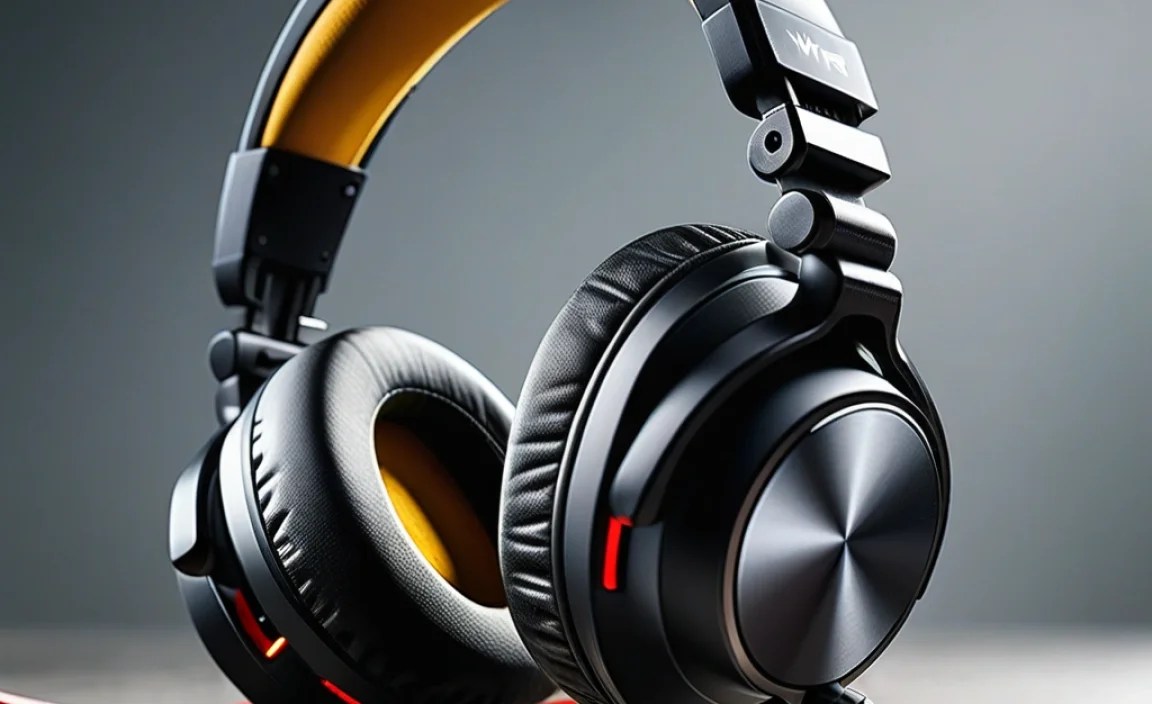
To get you started, here are a few well-regarded wired gaming headsets that offer excellent value and performance for beginners. Please note that product models and availability can change, so always check current offerings.
| Headset Model | Platform Compatibility | Key Features | Price Range (Est.) |
|---|---|---|---|
| HyperX Cloud II | PC, PS4, PS5, Xbox One, Xbox Series X/S, Switch, Mobile | Comfortable design, good mic, 7.1 virtual surround sound (PC), durable build | $70 – $100 |
| Logitech G432 | PC, PS4, PS5, Xbox One, Xbox Series X/S, Switch, Mobile | DTS Headphone:X v2.0 surround sound, rotating mic, lightweight | $50 – $80 |
| Razer BlackShark V2 X | PC, PS4, PS5, Xbox One, Xbox Series X/S, Switch, Mobile | Excellent mic clarity, comfortable, Triforce 50mm drivers for clear audio | $60 – $90 |
| SteelSeries Arctis 3 | PC, PS4, PS5, Xbox One, Xbox Series X/S, Switch, Mobile | Comfortable ski-goggle headband, clear mic, good sound | $60 – $90 |
Note: Prices are approximate and can vary based on sales and retailers.
Troubleshooting Common Wired Headphone Issues
Even the best wired headphones can sometimes run into minor issues. Here are a few common problems and their simple fixes:
No Sound or Low Volume
- Check Physical Connections: Ensure the headphone jack is fully plugged into the correct port on your device. Try unplugging and replugging it.
- Volume Controls: Verify that the volume isn’t turned all the way down on the headphones themselves (if they have an inline control) or within your operating system/game settings.
- Device Audio Settings: On PC, go to your sound settings and ensure the correct playback device is selected. On consoles, check the audio output settings.
- Other Devices: Test the headphones on a different device (like a smartphone) to see if the issue persists. If they work elsewhere, the problem is likely with your gaming device’s audio port or settings.
Microphone Not Working
- Mic Mute Switch: Double-check that the microphone isn’t accidentally muted via an inline switch or physical mute button on the headset.
- Correct Input Device: On PC, go to sound settings and make sure the headset’s microphone is selected as the default recording device.
- Permissions (PC/Mobile): Ensure that your operating system or specific games have permission to access your microphone. You can usually find this in privacy settings.
- Connection Stability: If using a USB headset, try a different USB port. If using a 3.5mm jack that splits into separate headphone and mic plugs, ensure they are in the correct ports.
Distorted or Crackling Audio
- Check for Damage: Inspect the headphone cable for any kinks, cuts, or fraying. A damaged cable is often the culprit.
- Loose Connections: Ensure the jack is clean and firmly seated in the port. Dust or debris in the port can sometimes cause connection issues.
- Software Interference: Sometimes, background applications or outdated audio drivers can cause distortion. Try updating your audio drivers on PC or restarting your console.
- Headphone Port Health: If the distortion only happens with this specific device, the 3.5mm port on your device might be faulty or dirty.
For more in-depth troubleshooting, resources like Lifewire’s guides can offer further solutions.
Frequently Asked Questions (FAQ)
Q1: Do I really need wired headphones for gaming, or are wireless good enough?
For the absolute best performance, especially in competitive games, wired headphones are superior due to their zero latency and consistent audio quality. Wireless headphones are convenient but can introduce a slight delay and may be subject to interference or battery issues, which can be a disadvantage in critical gaming moments.
Q2: What does “latency” mean in gaming headphones?
Latency refers to the delay between when an action happens in the game and when you hear the corresponding sound through your headphones. Low latency is crucial for quick reactions, and wired headphones reliably offer the lowest possible latency.
Q3: My wired headphones have a single jack, but my PC has separate mic and headphone ports. What do I do?
This is common! You have a few options: 1) Many gaming headsets come with a Y-splitter cable that converts a single 3.5mm jack into two separate male plugs for your PC. 2) You can purchase a USB adapter or a standalone USB sound card, which will give you both microphone and headphone connections via a single USB port. 3) Some laptops and modern PCs have a combined headphone/microphone port that will work directly with a single jack.
Q4: How important is virtual surround sound in wired gaming headphones?
Virtual surround sound can be a great feature for enhancing immersion and positional audio, helping you pinpoint enemy locations. However, the quality varies between headsets. Sometimes, a good pair of stereo headphones with excellent imaging can perform just as well, if not better, for directional audio. It’s a feature to consider, but not the only factor for good positional audio.
Q5: Can I use regular wired headphones for gaming?
Absolutely! For casual gaming or if you’re on a tight budget, regular wired headphones can work perfectly well. While dedicated gaming headsets often have features like higher-quality microphones and enhanced positional audio, a good pair of stereo headphones will still provide clear sound and a more immersive experience than built-in speakers.
Q6: How do I clean my wired gaming headphones?
For the earcups, gently wipe them with a slightly damp cloth or use a mild soap and water solution. Avoid soaking them. For the headband padding, a dry wipe or a very lightly damp cloth is best. For drivers, use a dry microfiber cloth or soft brush to gently remove dust. For the audio jack, use a cotton swab lightly dampened with isopropyl alcohol to clean any grime, and let it dry completely before plugging in.
Q7: What’s the difference between open-back and closed-back wired gaming headphones?
Open-back headphones have earcups with openings, which allows for a wider, more natural soundstage and better ventilation, making them very comfortable. However, they leak sound, meaning others can hear what you’re listening to, and they don’t block out external noise. Closed-back headphones are sealed, providing better noise isolation, preventing sound leakage, and offering more bass emphasis. For gaming, closed-back is often preferred for immersion and focus, but open-back can be great for a more natural, less fatiguing listening experience at home.
