
Elevate your PS5 gaming experience with the immersive audio of wired headphones. This guide simplifies choosing, connecting, and enjoying wired headsets, highlighting the superior sound quality, low latency, and enhanced communication they offer compared to wireless options. Unlock a richer, more responsive gaming world today.
Hey there, fellow gamers and audio explorers! Edward Cavitt here from headphonehorizon, excited to dive into a topic that can genuinely transform your PlayStation 5 adventures: wired headphones. If you’ve just unboxed that sleek PS5 or are looking to squeeze every ounce of immersion from your favorite titles, upgrading your audio setup is a fantastic next step.
While the PS5 offers wireless audio capabilities, there’s a special kind of magic – and often, superior performance – that comes with a good pair of wired headphones.
They’re not just about hearing the game; they’re about feeling it. From the subtle rustle of leaves to the thunderous roar of a boss battle, the right wired headset puts you right in the heart of the action. Let’s explore why they’re an essential upgrade and how to pick the perfect pair to bring your PS5 gaming to life.
Why Wired Headphones Are a Game-Changer for Your PS5

In the world of gaming, audio is just as crucial as visuals. It’s the invisible force that builds atmosphere, cues you into enemy locations, and makes every explosion feel impactful. While wireless headphones offer convenience, wired options for your PS5 often provide distinct advantages that can lead to a more satisfying and competitive gaming experience. Let’s break down why making the switch to wired audio is often considered an essential upgrade.
Unrivaled Audio Quality
One of the most significant benefits of wired headphones is their potential for superior sound reproduction. Because the audio signal travels directly through a cable, there’s less chance of digital compression or interference that can sometimes affect wireless signals. This means you get a cleaner, more detailed, and richer audio experience.
For games where subtle audio cues are critical – think enemy footsteps from a distance or the direction of incoming fire – this clarity can provide a distinct advantage. The dynamic range, the difference between the quietest and loudest sounds, is often broader and more impactful with wired headphones, making explosions feel more powerful and quieter atmospheric sounds more discernible.
Near-Instantaneous Input Lag (Latency)
Latency, or input lag, is the delay between an action happening in the game and you hearing it through your headphones. For fast-paced games like first-person shooters or competitive online titles, even a small delay can be the difference between victory and defeat. Wired headphones have virtually zero latency. The audio signal travels directly from the PS5 controller or console to your ears without any wireless transmission or processing delays. This direct connection ensures that what you see and what you hear are perfectly synchronized, allowing for quicker reactions and a more fluid, responsive gameplay experience. This is a critical factor for serious gamers looking to maximize their performance.
Reliability and Stability
Wireless connections, while improving, can sometimes be susceptible to interference from other devices, distance from the source, or even battery life issues. A wired connection is inherently more stable and reliable. You don’t have to worry about your headphones suddenly disconnecting mid-game, suffering from dropouts, or needing to be recharged at a critical moment. This consistent, unwavering performance means you can focus entirely on your gameplay without any audio distractions or technical hiccups. It’s a plug-and-play solution that just works, every time.
Cost-Effectiveness
Generally, you can find excellent quality wired headphones for a significantly lower price than comparable wireless models. The technology involved in wireless transmission, battery management, and Bluetooth connectivity often adds to the overall cost. For gamers on a budget or those who simply don’t see the need for wireless freedom, wired headphones offer exceptional value for money, delivering top-tier audio performance without breaking the bank.
No Charging Required
This might seem like a small point, but it’s a huge convenience factor. Wired headphones draw power directly from the device they’re connected to, meaning no batteries to charge and no downtime waiting for a recharge. You can simply plug them in and play for as long as you like. This is especially beneficial during long gaming sessions, ensuring your audio never cuts out unexpectedly due to a dead battery.
Choosing the Right Wired Headphones for Your PS5

With so many options available, picking the perfect pair of wired headphones might seem daunting. But don’t worry, we’ll break down the key features to look for, ensuring you find a headset that enhances your PS5 gaming without overwhelming you with jargon. Think of it like choosing the right tool for the job – you want something comfortable, reliable, and that does exactly what you need it to.
Understanding Connector Types
How your headphones connect to your PS5 is the first technical detail to consider. The PS5 supports a few primary connection methods that are relevant for wired headsets:
- 3.5mm Audio Jack: This is the most common connector. Many PS5 controllers (the DualSense) have a 3.5mm jack built right into the bottom. This means you can plug your headphones directly into the controller for a convenient, wired connection. Alternatively, many TVs and monitors also have 3.5mm audio outputs, allowing a direct connection to the console’s audio stream.
- USB-A/USB-C: Some gaming headsets connect via USB. The PS5 has both USB-A and USB-C ports on the front and back. USB connections can sometimes offer higher quality audio transmission or additional features like built-in microphones or controls, as they can carry more data than a traditional analog audio jack. Ensure the headset you choose is compatible with the PS5’s USB ports.
Key Features to Consider
Beyond the connector, several features contribute to a great gaming headset experience:
- Comfort and Fit: You’ll be wearing these for hours, so comfort is paramount. Look for headphones with plush earcups, an adjustable headband, and a design that doesn’t feel too heavy or clamp too tightly. Over-ear designs (circumaural) tend to be the most comfortable for long sessions as they fully enclose the ear.
- Microphone Quality: If you play multiplayer games, a clear microphone is essential for communication. Look for headsets with noise-canceling microphones to reduce background noise, ensuring your teammates can hear you clearly. Some microphones are detachable or can be flipped up to mute, offering flexibility.
- Sound Profile (Frequency Response): While we aim for simplicity, understanding sound profiles can help. For gaming, you generally want a balanced sound with clear highs for footsteps and details, distinct mids for dialogue and character voices, and punchy bass for explosions and impactful moments. A frequency response ranging from 20Hz to 20kHz is standard for human hearing and covers all the necessary game audio spectrum.
- Build Quality: A well-built headset will last longer and feel more premium. Look for durable materials like sturdy plastics and metal reinforcements in the headband.
- Cable Length and Durability: Ensure the cable is long enough to comfortably reach from your controller (or console) to your ears without feeling strained, especially if you tend to move around a bit. A braided cable is often more durable and less prone to tangling than a standard rubberized one.
- Open-Back vs. Closed-Back:
- Closed-back headphones create a seal around your ears, blocking out external noise and preventing sound from leaking out. This is great for immersive gaming and noisy environments.
- Open-back headphones have perforated earcups that allow some air and sound to pass through. They often provide a wider, more natural soundstage, which can be beneficial for spatial awareness in games. However, they leak sound and offer less noise isolation. For most PS5 gaming, particularly in shared environments or if you want maximum immersion, closed-back is generally preferred.
What Does “Impedance” Mean? (Simplified)
You might see “impedance” listed in headphone specifications, measured in Ohms (Ω). In simple terms, impedance refers to how much electrical resistance a headphone has. For devices like the PS5 controller or typical onboard audio outputs, you’ll want headphones with lower impedance, usually under 32 Ohms. Higher impedance headphones (often 50 Ohms or more) may require an external amplifier to reach adequate volume levels and sound their best, which isn’t practical or necessary for standard PS5 use.
How to Connect Wired Headphones to Your PS5

Connecting wired headphones to your PS5 is usually a straightforward process. Here’s how to do it, depending on your connection method:
Method 1: Connecting via the DualSense Controller (3.5mm Jack)
This is the most common and convenient method for many gamers.
- Locate the 3.5mm port: On your PS5 DualSense controller, find the single 3.5mm audio and microphone jack located on the bottom edge, between the L2 and R2 triggers.
- Plug in your headphones: Insert the 3.5mm plug of your wired headphones firmly into the port.
- PS5 Recognition: The PS5 should automatically detect the headphones and begin routing all audio, including game sound and chat, through them.
- Adjust Audio Settings (Optional): You can fine-tune audio settings in the PS5’s main menu under Settings > Sound > Audio Output. Here you can adjust the microphone level, voice chat balance, and headphone output to “All Audio” if it’s not set by default.
Method 2: Connecting via USB
If your headset uses a USB connector, the process is different.
- Locate a USB port: Your PS5 has USB-A and USB-C ports. The USB-C port is on the front, and there are two USB-A ports on the front and two on the back.
- Plug in the USB connector: Insert the USB plug of your gaming headset into an available port on your PS5.
- PS5 Recognition: The console should automatically recognize the USB device. If it requires drivers, the PS5 will typically handle this automatically.
- Select as Audio Device: You may need to go to Settings > Sound > Audio Output and select your USB headset as the Input Device and Output Device to ensure all audio is directed through it.
Method 3: Connecting via TV/Monitor Audio Output
If your TV or monitor has a 3.5mm audio output (headphone jack), you can connect directly there.
- Locate the audio output port: Check the back or side of your TV or monitor for a headphone jack, often labeled “Audio Out” or with a headphone symbol.
- Plug in your headphones: Insert the 3.5mm plug of your wired headphones into this port.
- Adjust PS5 Settings: You’ll need to ensure your PS5 is sending audio to the chosen output. Go to Settings > Sound > Audio Output. Under “HDMI Device Type” or “Audio Output Device,” select the appropriate option that reflects your TV/monitor’s connection (e.g., HDMI 1, HDMI 2). Your TV will then pass this audio through to its headphone jack.
Essential Wired Headset Features for PS5 Gamers
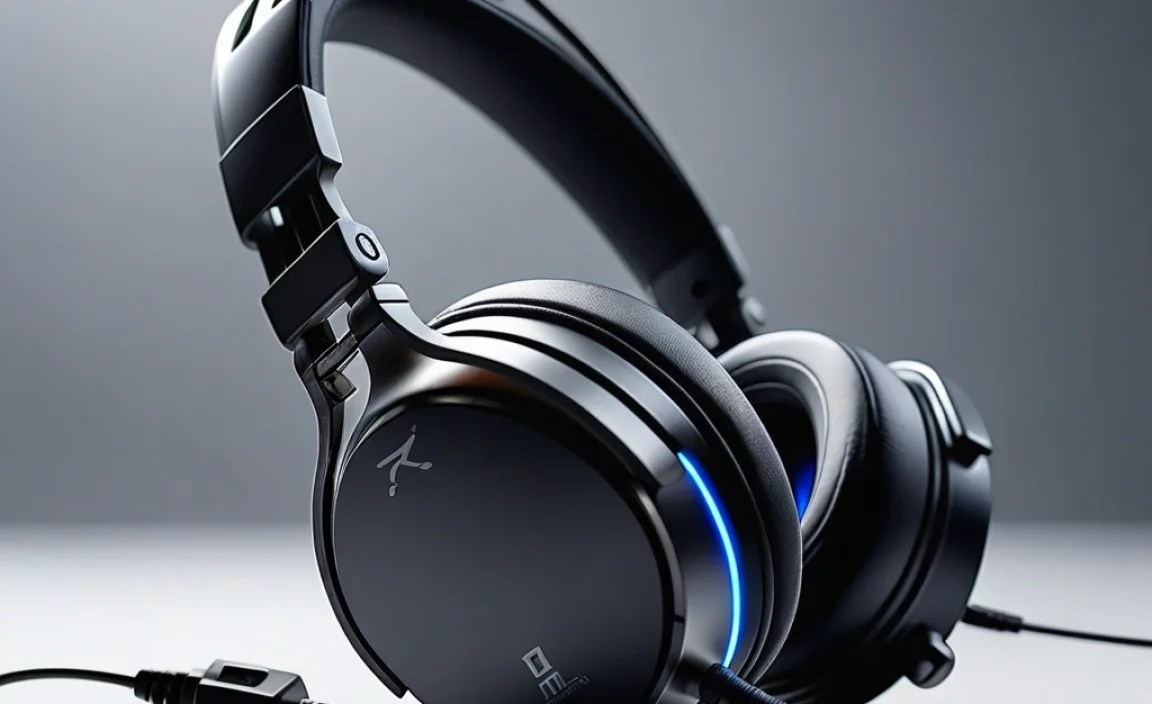
Let’s delve a little deeper into the specific features that can elevate your PS5 gaming experience. These are the aspects that transform good headphones into great gaming companions.
Immersive Surround Sound Technologies
While technically not a headphone feature itself, many gaming headsets are designed to work with surround sound technologies. The PS5 supports its own 3D audio engine, Tempest 3D AudioTech, which aims to deliver immersive soundscapes through stereo headphones. High-quality stereo headphones are still excellent for this, as they’re designed to present a wide soundstage. Some higher-end wired headsets might also be optimized for or compatible with virtual surround sound technologies, which can help pinpoint enemy locations with greater accuracy by simulating sound coming from different directions.
Noise-Canceling Microphones for Clear Comms
In the heat of battle, clear communication is vital. A microphone with noise-canceling capabilities is a must-have for multiplayer gaming. These mics work by using multiple internal microphones to detect and filter out background noises like keyboard clicks, fan whirring, or ambient room chatter. This ensures that your teammates hear your callouts loud and clear, without being distracted by your surroundings. It’s a feature that significantly improves the teamplay experience.
Durable Build and Comfortable Design for Marathon Sessions
Gaming can be an all-day affair, so comfort and durability are non-negotiable. Look for headsets that boast:
- Plush, breathable earcups: Materials like memory foam wrapped in soft fabric can prevent ear fatigue and overheating during long play sessions.
- Adjustable and padded headband: A well-padded headband distributes weight evenly and can be adjusted to fit different head sizes comfortably.
- Robust construction: Metal components in the headband or around the earcup hinges often indicate a more durable product. A thick, braided cable also adds to the longevity and reduces the chance of kinks or breaks.
In-Line Controls for Quick Adjustments
Many wired gaming headsets come with in-line controls conveniently located on the cable. These allow you to quickly adjust volume, mute your microphone, or even control playback without having to navigate through the PS5’s menus. This accessibility is crucial for staying in the moment and making immediate adjustments during intense gameplay.
Comparisons: Wired vs. Wireless for PS5 Gaming
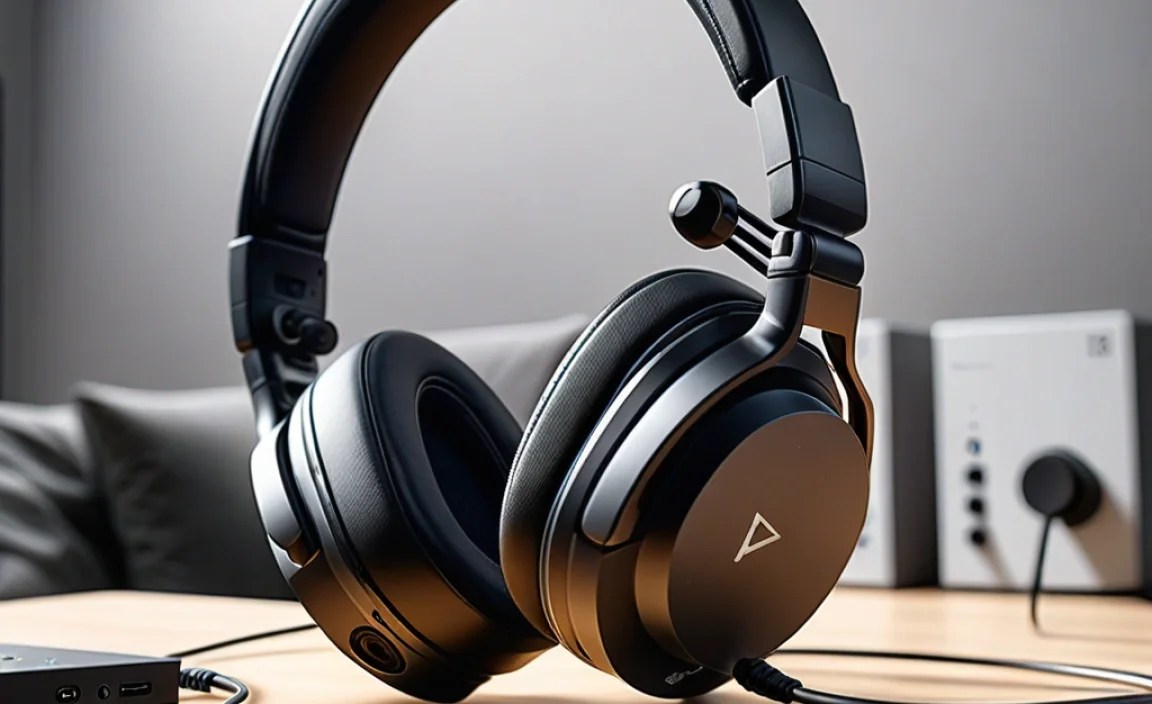
To solidify the decision, let’s lay out a direct comparison between wired and wireless headphones for your PS5. This table highlights the key differences, so you can see where wired options shine.
Table 1: Wired vs. Wireless Headphones for PS5
| Feature | Wired Headphones | Wireless Headphones (Bluetooth/Proprietary Dongle) |
|---|---|---|
| Audio Quality | Generally superior, less compression, more detail. | Can be excellent but may involve compression or latency depending on tech. |
| Latency (Input Lag) | Virtually zero, for precise, real-time response. | Can vary; Bluetooth can have noticeable lag, proprietary dongles are better but not zero. |
| Reliability | Highly stable, no interference or dropouts. | Can be affected by interference, distance, or battery life. |
| Power Source | Powered by the connected device (controller/console). | Requires internal battery and regular charging. |
| Price | Often more affordable for comparable quality. | Typically more expensive due to wireless tech. |
| Comfort/Freedom | Cable can be restrictive, though modern cables are often long. | Offers complete freedom of movement. |
| Setup | Plug-and-play, incredibly simple. | May require pairing, dongle insertion, or app setup. |
External Resources on Audio Technology
For those who enjoy diving deeper into audio science, resources like the Audio Engineering Society (AES) offer a wealth of technical information. Understanding concepts like signal-to-noise ratio and frequency response can further inform your audio equipment choices. Additionally, sites like Rtings.com provide in-depth reviews and comparative data on headphones, focusing on objective measurements, which can be incredibly helpful when looking at technical specifications.
Top Picks: Recommended Wired Headsets for PS5 Gamers (General Categories)
While specific model recommendations can change rapidly with new releases, here are categories and types of wired headsets that consistently perform well for PS5 gaming. These are based on common features and user satisfaction, providing a starting point for your search.
Budget-Friendly All-Rounders
These headsets offer a great balance of performance and price. They’re perfect for someone who wants a significant audio upgrade without a large investment. Look for models that emphasize clear mids and highs for game audio and a decent bass response. Brands like HyperX, Logitech, and SteelSeries often have solid offerings in this bracket that connect via 3.5mm jack.
Mid-Range Immersive Experience
Stepping up in price often means better build quality, more comfortable materials, and enhanced audio drivers. These headsets might feature larger earcups, more robust materials, and potentially even designs optimized for specific sound signatures that enhance spatial awareness in games. Brands like Razer, SteelSeries (their Arctis line), and Corsair are strong contenders here. Many will still use the 3.5mm jack for universal compatibility, while some might offer USB variants.
Pro-Level Detail and Comfort
For the discerning gamer or audiophile, these headsets prioritize pristine audio reproduction, superior comfort for extended sessions, and exceptional microphone clarity. They might use higher quality drivers, offer more refined sound imaging for pinpoint accuracy, and feature premium build materials. Brands like Sennheiser, Beyerdynamic, and Audio-Technica are renowned for their audiophile
