
This guide will show you how to choose and use a wireless Bluetooth adapter for your headphones, transforming any wired set into a wireless audio experience. We’ll cover essential features, connection tips, and common troubleshooting to help you enjoy freedom from clutter without sacrificing sound quality.
Wireless Bluetooth Adapter for Headphones: Your Essential Guide to Freedom

Tired of tangled wires holding your listening experience hostage? Imagine the freedom of enjoying your favorite music, podcasts, or calls without being tethered to your device. That’s where a wireless Bluetooth adapter for headphones comes in! These handy little gadgets can breathe new life into your trusty wired headphones, turning them into wireless wonders.
Whether you’re a casual listener, a music lover, or someone who just appreciates a clutter-free life, this guide is designed to help you understand what these adapters are, why you might need one, and how to get the most out of them. No confusing tech jargon here – just simple, straightforward advice to help you make an informed choice and start enjoying truly wireless audio.
What is a Wireless Bluetooth Adapter for Headphones?
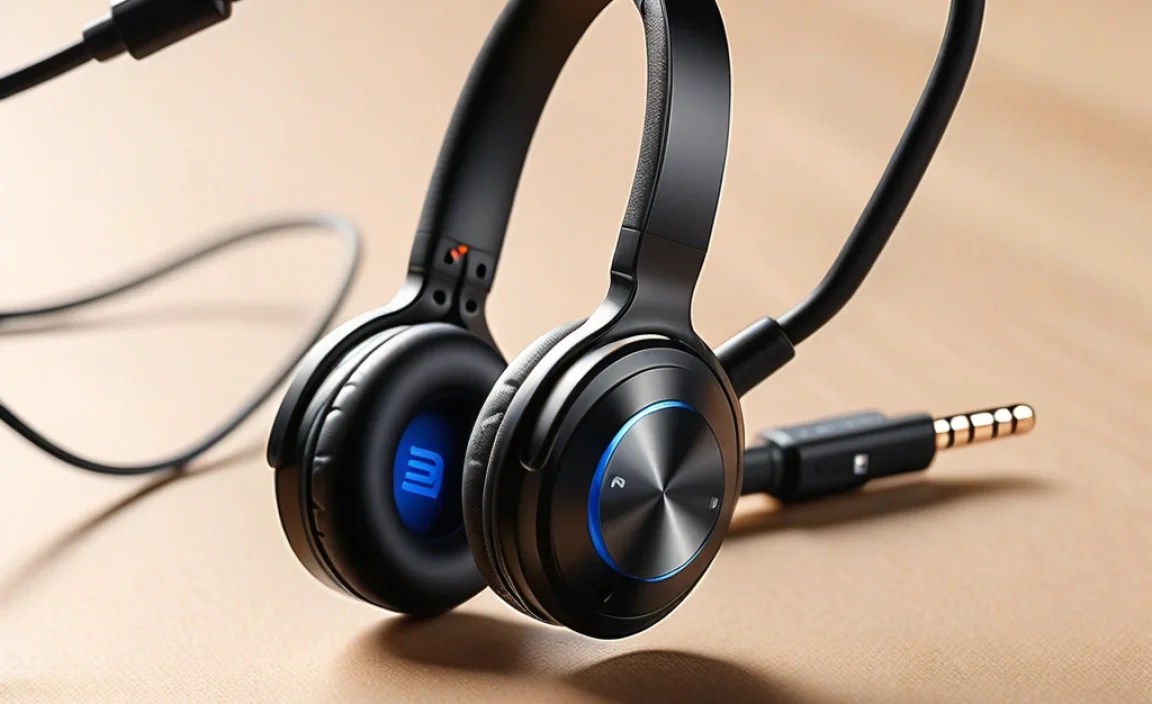
At its core, a wireless Bluetooth adapter for headphones is a small device that bridges the gap between your wired headphones and your Bluetooth-enabled audio source (like a smartphone, tablet, or laptop). It essentially acts as a translator, taking the audio signal from your source via Bluetooth and transmitting it wirelessly to an adapter that plugs into your existing headphones. This means you can keep using the headphones you love, the ones that fit perfectly and sound just right, but gain the convenience of wireless listening.
Think of it like this: Your phone has Bluetooth, and it can send audio wirelessly. Your headphones have a plug, and they can receive audio wired. A Bluetooth adapter for headphones takes the wireless signal from your phone and delivers it to your headphones through their familiar plug. This is especially useful if your phone no longer has a headphone jack, or if you simply want to move around more freely while listening.
Why You Might Need a Wireless Bluetooth Adapter
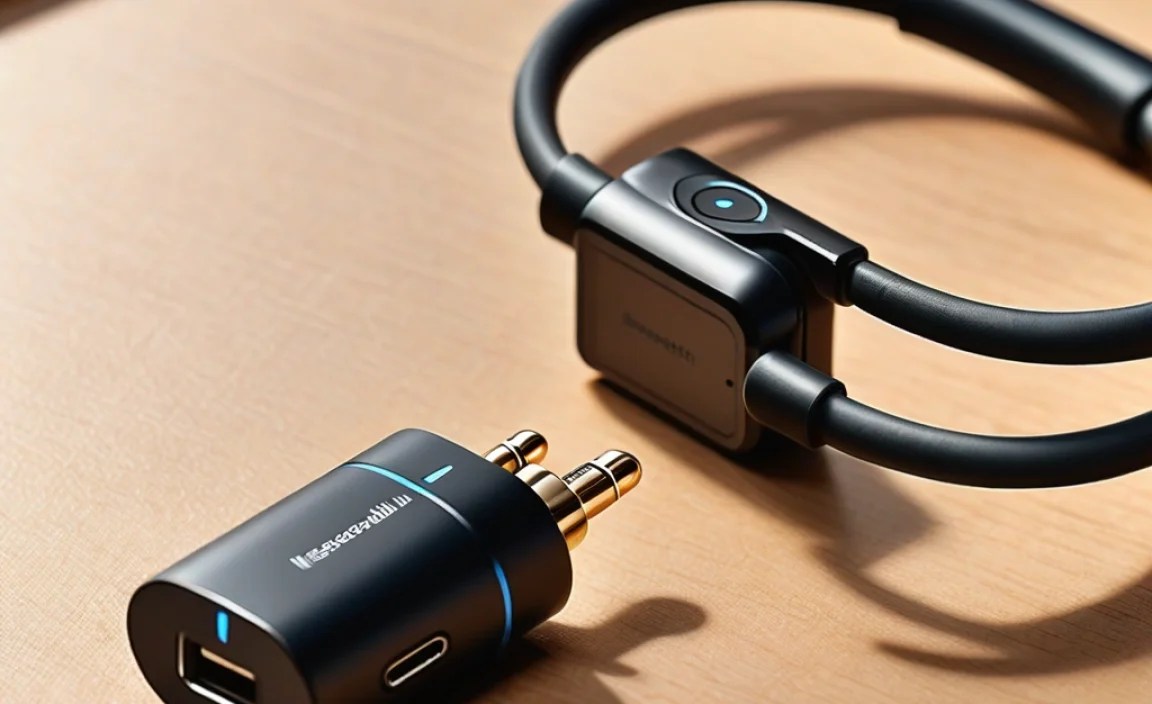
In today’s tech landscape, many devices are leaning towards a wireless-first approach. Here are some common reasons why a Bluetooth adapter can be a game-changer:
- No Headphone Jack: The most prevalent reason. New smartphones and many laptops have ditched the 3.5mm headphone jack. A Bluetooth adapter lets you keep using your favorite wired headphones with these devices.
- Comfort and Freedom: Wires can be restrictive. Whether you’re exercising, cooking, or just moving around your desk, wires can snag, pull, and generally get in the way. Wireless adapters offer untethered freedom.
- Reviving Old Favorites: You might have a pair of high-quality wired headphones you adore. Instead of replacing them with expensive wireless models, an adapter provides an affordable way to make them wireless.
- Multi-Device Connectivity: Some advanced adapters allow connection to multiple devices simultaneously, letting you switch between your phone and laptop seamlessly.
- Improved Bluetooth Capabilities: If your existing device has older or less reliable Bluetooth, an adapter with newer Bluetooth versions (like Bluetooth 5.0 or higher) can offer better range, stability, and battery efficiency.
Types of Wireless Bluetooth Adapters
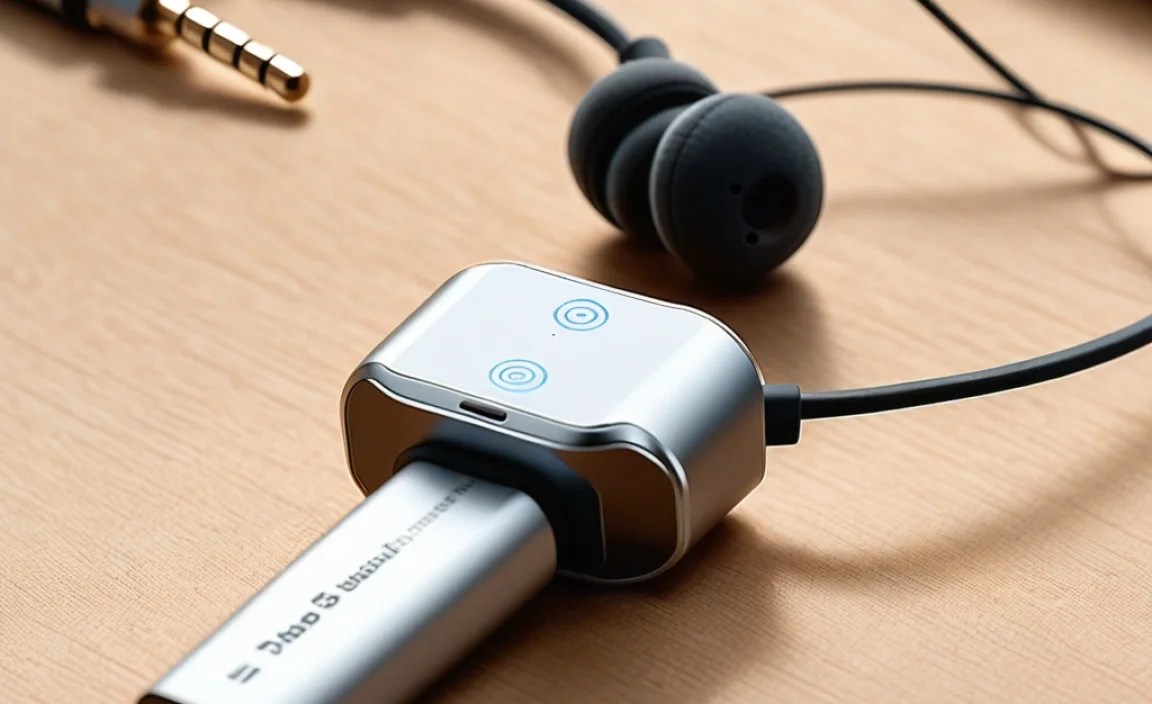
When you start looking for these adapters, you’ll notice a few primary types, each suited for different needs:
1. Portable Bluetooth Receivers (or Dongles)
These are typically small, clip-on devices that have a 3.5mm headphone jack to plug your wired headphones into. They connect wirelessly to your audio source (phone, tablet, etc.) via Bluetooth. Some have built-in microphones for calls.
- Pros: Very portable, easy to use, often affordable, allows you to keep using your existing headphones.
- Cons: Battery life is a consideration (they need to be charged), might add a slight bulk or an extra step to connect.
2. Bluetooth Transmitters/Receivers (2-in-1)
These versatile devices can function as both a transmitter (sending audio from a non-Bluetooth source, like a TV, to Bluetooth headphones) and a receiver (receiving audio from a Bluetooth source to wired headphones or speakers). If you want to make your TV’s audio wireless or give an old stereo system Bluetooth capabilities, this type is fantastic.
- Pros: Highly versatile, can be used for multiple purposes, often supports advanced Bluetooth codecs.
- Cons: Can be slightly larger than simple receivers, might involve a bit more setup depending on the model.
3. True Wireless Adapters (Less Common for Headphones)
This category is a bit of a hybrid. Some products might claim this, but generally, when we talk about “adapters for headphones,” we mean the first two categories. True wireless concepts usually involve earbuds that connect directly to a source without any wire connection at all. However, there are inline adapters that offer a completely wire-free experience from the earcups to a small receiver, but these are less common.
Key Features to Look For
To make sure you get an adapter that meets your needs, here are some important features to consider:
Bluetooth Version
The Bluetooth version impacts range, speed, and power consumption. Newer versions offer significant improvements:
- Bluetooth 4.0: Still common, but older. Offers basic connectivity.
- Bluetooth 4.1/4.2: Incremental improvements in stability and power efficiency.
- Bluetooth 5.0: A major leap. Offers double the speed, four times the range, and eight times the broadcasting capacity of Bluetooth 4.0. This means fewer dropouts and better communication with your device.
- Bluetooth 5.1/5.2/5.3/5.4: Further refinements focusing on enhanced location services, improved audio quality, and even better power management. For most users, Bluetooth 5.0 or higher is ideal.
Audio Codecs
Codecs are like languages that transmit audio data. Different codecs offer varying levels of sound quality and efficiency. For the best audio experience, especially if you’re an audiophile, look for adapters that support advanced codecs:
- SBC (Subband Coding): The default, universal codec. Good for general listening but not the highest quality.
- AAC (Advanced Audio Coding): Used by Apple devices. Offers better quality than SBC, especially for streaming.
- aptX (and its variants like aptX HD, aptX Adaptive): Developed by Qualcomm, these codecs are known for delivering near CD-quality audio wirelessly. If both your audio source and the adapter support aptX, you’ll likely notice a significant improvement in clarity and detail compared to SBC.
- LDAC: Developed by Sony, this codec can transmit high-resolution audio wirelessly, supporting bitrates up to 990 kbps. It’s excellent for audiophiles but requires compatible devices.
Important Note: For advanced codecs like aptX or LDAC to work, BOTH your audio source (phone, etc.) and the Bluetooth adapter must support the same codec. If your phone only supports SBC, but the adapter supports aptX, you’ll still only get SBC quality.
Battery Life and Charging
Since these adapters are often battery-powered, check the advertised battery life for both playback and standby time. Consider how you’ll charge it – most use USB (Type-A or Type-C). Some might offer pass-through charging, allowing you to use the adapter while it’s plugged in and charging.
Connectivity and Range
Look at the advertised Bluetooth range. While official specs often cite around 33 feet (10 meters), real-world performance can vary based on obstructions (walls, furniture) and interference. A newer Bluetooth version generally means a more stable connection over a greater distance.
Portability and Design
How big is the adapter? Will it be comfortable to wear or carry? Some are tiny dongles, while others are slightly larger. Consider if you need a clip to attach it to your clothing. The connector type (3.5mm is standard) is also important.
Microphone Quality
If you plan to use the adapter for calls, check if it has a built-in microphone and read reviews about its clarity. Some adapters have noise-cancellation features for better call quality.
How to Choose the Right Adapter: A Quick Comparison
To help visualize the differences, here’s a table comparing common adapter scenarios:
| Scenario | Best Adapter Type | Key Features to Prioritize | Example Use Case |
|---|---|---|---|
| Using wired headphones with a new smartphone (no jack) | Portable Bluetooth Receiver | Bluetooth 5.0+, AAC/aptX support (if phone supports), Good battery life, Compact size | Listening to music on your commute without phone wires. |
| Making old wired headphones wireless for workouts | Portable Bluetooth Receiver | Secure clip, sweat resistance (if available), Bluetooth 5.0+, SBC/AAC support | Running or hitting the gym without tangled earbud wires. |
| Adding wireless audio to a non-Bluetooth TV or stereo | Bluetooth Transmitter/Receiver (TX Mode) | Optical/RCA input support, Low Latency (aptX LL), Long battery life or USB power | Watching TV without disturbing others using wireless headphones. |
| Using wired headphones with a laptop and needing better range/stability | Portable Bluetooth Receiver | Bluetooth 5.0+, Large battery capacity, Stable connection | Moving around your office or desk while on conference calls. |
Step-by-Step Guide: Connecting Your Adapter
Getting your wireless Bluetooth adapter set up is usually a straightforward process. Here’s how to do it:
Step 1: Charge the Adapter
Before you begin, ensure your Bluetooth adapter has enough battery power. Connect it to a USB power source (like a wall adapter, computer, or power bank) using the provided cable. Most adapters have an indicator light that shows when charging is complete.
Step 2: Prepare Your Headphones
Plug your favorite wired headphones into the 3.5mm audio jack on the Bluetooth adapter. Make sure they are seated securely.
Step 3: Turn on the Adapter and Enter Pairing Mode
There will be a power button on the adapter. Press and hold it according to the manufacturer’s instructions (often indicated by a flashing LED light). This usually puts the adapter into pairing mode, ready to connect to a new device.
Step 4: Enable Bluetooth on Your Audio Source
On your smartphone, tablet, or laptop, go to the Bluetooth settings menu and turn Bluetooth on. Your device will then start scanning for available Bluetooth devices.
Step 5: Select and Pair the Adapter
In your device’s Bluetooth menu, you should see a list of discoverable devices. Look for the name of your Bluetooth adapter (it might be something like “BT-Receiver,” “AudioLink,” or the brand name). Tap on it to initiate the pairing process. You might see a prompt to confirm a pairing code, or it might connect automatically.
Step 6: Confirm Connection and Play Audio
Once successfully paired, the LED indicator on the adapter will usually change from flashing to a solid light, or a different color/pattern. Your audio source should indicate that it’s connected to the Bluetooth adapter. You can now play music or other audio from your device, and it will stream wirelessly to your headphones via the adapter.
Step 7: Adjust Volume
You can typically control the volume from your audio source device. Some adapters also have their own volume buttons, so check your specific model’s manual.
Troubleshooting Common Issues
Even with the best gear, sometimes things don’t work perfectly the first time. Here are some common hiccups and how to solve them:
Issue: Adapter not discoverable or not pairing
- Check if it’s in pairing mode: Ensure the adapter’s LED is flashing in the correct pattern to indicate pairing mode.
- Restart both devices: Turn off your Bluetooth adapter and your audio source device, then turn them back on and try pairing again.
- Clear previous pairings: If the adapter has been paired to many devices, it might not be discoverable. Check the manual for how to reset its pairing memory.
- Distance: Make sure the adapter and your audio source are close to each other during the pairing process.
Issue: Audio cuts out or stutters
- Distance: You might be too far away from your audio source. Move closer.
- Interference: Other wireless devices (Wi-Fi routers, microwaves, other Bluetooth devices) can cause interference. Try moving away from potential sources of interference.
- Low Battery: A low battery on the adapter or your audio source can sometimes cause connection issues. Charge them up.
- Codec limitations: If your devices are trying to use a stable but lower-quality codec like SBC over a long distance, it might struggle.
Issue: Poor sound quality
- Check Codecs: Ensure both your audio source and the adapter support the same higher-quality audio codec (like aptX or AAC) and that it’s selected if necessary.
- Volume Levels: Ensure your volume isn’t maxed out on both the source and the adapter, which can cause distortion.
- Headphone compatibility: Some very high-impedance headphones require more power than a small adapter can provide for optimal sound. However, most consumer headphones work fine.
Issue: Adapter won’t turn on
- Charge it: The most common reason! Make sure it’s properly connected to a working USB power source.
- Check the cable and source: Try a different USB cable and a different power source to rule out faulty accessories.
For more detailed troubleshooting, always refer to the user manual that came with your specific Bluetooth adapter. You can also find valuable information from manufacturers and online communities.
Understanding Bluetooth Range and Interference
Bluetooth technology operates on the 2.4 GHz radio frequency band, which is also used by many other devices like Wi-Fi routers, cordless phones, and microwave ovens. This shared spectrum can lead to what’s known as interference.
Factors Affecting Bluetooth Range and Stability:
- Distance: The further the adapter and your audio source are from each other, the weaker the signal becomes.
- Obstructions: Physical barriers like walls (especially concrete or brick), metal objects, and even your own body can significantly degrade the Bluetooth signal.
- Interference: As mentioned, other 2.4 GHz devices can “shout over” the Bluetooth signal, causing dropouts or reduced quality.
- Bluetooth Version: Newer Bluetooth versions (5.0 and above) are designed to be more robust against interference and offer better range than older versions.
To maximize your wireless experience, try to keep your audio source and adapter relatively close and in line of sight whenever possible. For more in-depth information on radio frequency interference, you can explore resources from organizations like the Federal Communications Commission (FCC).
Frequently Asked Questions (FAQ)
Q1: Will using a wireless Bluetooth adapter affect my headphone’s sound quality?
It can, but often for the better if you choose wisely. While a basic adapter might use the standard SBC codec, which is comparable to compressed audio files, adapters supporting codecs like aptX or LDAC can deliver audio quality very close to or even matching wired connections, especially if your phone also supports them. Some older or very basic wired headphones might sound amplified or slightly compressed through a low-quality adapter. However, for most modern headphones and with a decent adapter, the difference is minimal or imperceptible to the average listener.
Q2: Can I use one Bluetooth adapter with multiple pairs of headphones?
No, a standard Bluetooth adapter designed for headphones works in reverse. It connects to ONE audio source (like your phone) and your ONE pair of headphones. You cannot connect multiple headphones to a single adapter simultaneously. Similarly, you cannot use one adapter to transmit audio to both headphones and a speaker at the same time for each output. Some advanced 2-in-1 units can act as both a transmitter AND receiver, but typically not for multiple outputs/inputs at once with the same device.
Q3: Do Bluetooth adapters work with all devices?
As long as your audio source device (smartphone, tablet, laptop, TV, etc.) has Bluetooth capability, a Bluetooth receiver adapter should work with it. The only requirement is that the source device can transmit audio via Bluetooth. For 2-in-1 transmitter/receiver units, you need to ensure your source device has the appropriate audio output (e.g., 3.5mm, RCA, Optical) that the adapter can connect to.
Q4: How long does the battery in a Bluetooth adapter usually last?
Battery life varies significantly depending on the adapter
