
Quick Summary:
Discover the best wireless gaming headphones for PC with our beginner-friendly guide. We break down essential features like comfort, audio quality, battery life, and connectivity to help you choose the perfect pair for immersive gaming without the cable hassle.
Hello there, fellow gamers and audio lovers! Edward Cavitt here from headphonehorizon. Are you ready to ditch those tangled wires and step into a world of immersive PC gaming audio? Wireless gaming headphones for PC offer incredible freedom, letting you move, react, and enjoy the game without being tethered to your setup. But with so many options out there, finding the “best” can feel a bit overwhelming. Don’t worry, I’m here to simplify things. We’ll explore what truly matters, look at some top contenders, and equip you with the knowledge to make a confident choice. Let’s dive in!
Why Go Wireless for Your PC Gaming?
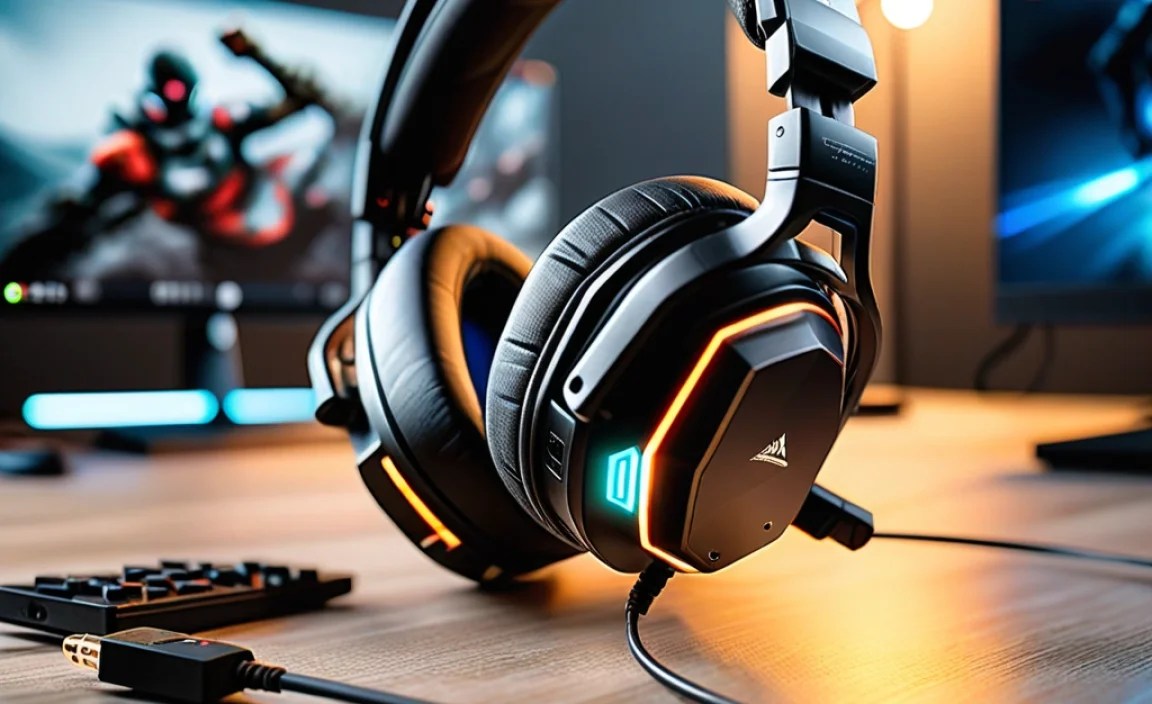
The allure of wireless gaming headphones for PC is undeniable. The most obvious benefit is the freedom from cables. No more accidentally yanking your headphones off your desk or getting caught on your chair. This freedom translates to a more comfortable and less distracting gaming experience, allowing you to fully immerse yourself in the game’s audio landscape. Beyond comfort, modern wireless technology offers surprisingly low latency, meaning the audio you hear is almost perfectly in sync with the on-screen action – crucial for competitive play. Plus, many wireless options come with advanced features like virtual surround sound and excellent microphone quality, enhancing both your auditory experience and your team communication.
Key Features to Look For in Wireless Gaming Headphones for PC

When you’re on the hunt for the best wireless gaming headphones for PC, a few key features rise to the top. Think of these as your essential checklist for a great gaming audio experience.
1. Audio Quality & Immersion
This is paramount. You want headphones that deliver crisp, clear audio to hear every footstep, reload, or distant explosion. Look for headphones with good frequency response, meaning they can reproduce a wide range of sounds accurately. Features like virtual surround sound (e.g., Dolby Atmos, DTS Headphone:X) can significantly enhance immersion by creating a 3D audio space, making it easier to pinpoint enemy locations.
2. Comfort and Design
You’ll be wearing these for hours, so comfort is non-negotiable. Consider:
- Earcup Material: Soft leatherette or breathable fabric helps with long gaming sessions.
- Weight: Lighter headphones are generally more comfortable.
- Clamping Force: Not too tight, not too loose.
- Adjustability: A good headband should cater to different head sizes.
3. Connectivity & Latency
For wireless, there are two main types of connection:
- 2.4GHz Wireless Dongle: This is the most common and generally offers the lowest latency for gaming, ensuring near-instantaneous audio response. You plug a small USB dongle into your PC.
- Bluetooth: While convenient for versatility (connecting to phones, tablets), Bluetooth can sometimes introduce noticeable audio lag, which can be a disadvantage in fast-paced games. Some headphones support both.
Low latency is crucial for PC gaming. Websites like Rtings.com offer detailed latency testing for headphones, which can be a valuable resource.
4. Microphone Quality
Clear communication is vital in multiplayer games. Look for headphones with a good quality, noise-canceling microphone that will pick up your voice clearly without excessive background noise. Many offer detachable or retractable mics, adding to their versatility.
5. Battery Life
How long can you game on a single charge? Most decent wireless gaming headphones for PC offer at least 15-20 hours of battery life, with premium models pushing 30+ hours. Quick charging is also a handy feature.
6. Build Quality & Durability
Gaming headphones can take a beating. Opt for models made from sturdy materials that feel robust and well-constructed. Metal components in the headband or hinges are often good indicators of durability.
Top Wireless Gaming Headphones for PC: Our Picks

Based on extensive research, user reviews, and expert opinions, here are some of the consistently top-rated wireless gaming headphones for PC that excel in different areas. Remember, the “best” is subjective and depends on your priorities and budget!
| Headphones | Key Strengths | Connectivity | Approx. Battery Life | Best For |
|---|---|---|---|---|
| SteelSeries Arctis Nova Pro Wireless | Excellent ANC, Dual Batteries, Multi-system Connect, Supreme Comfort | 2.4GHz Wireless, Bluetooth | ~30+ hours (per battery) | All-around performance, frequent travelers, console/PC users |
| Logitech G Pro X Wireless | Superb Microphone (Blue VO!CE), Comfortable, Great Sound | 2.4GHz Wireless | ~20-24 hours | Competitive gamers, streamers, those prioritizing mic clarity |
| Corsair HS80 RGB WIRELESS | Comfortable, Great Value, Solid Audio, RGB Lighting | 2.4GHz Wireless | ~20 hours (with RGB off) | Budget-conscious gamers, those seeking good comfort and sound |
| HyperX Cloud Alpha Wireless | Incredible Battery Life, Comfortable, Balanced Audio | 2.4GHz Wireless | ~300 hours! | Marathon gamers, those who rarely want to charge |
| Razer Barracuda X (2022) | Lightweight, Versatile (PC, Console, Mobile via Dongle), Affordable | 2.4GHz Wireless (USB-C Dongle) | ~20 hours | Casual gamers, mobile gamers, those needing a do-it-all headset |
Understanding Wireless Technology & Connectivity
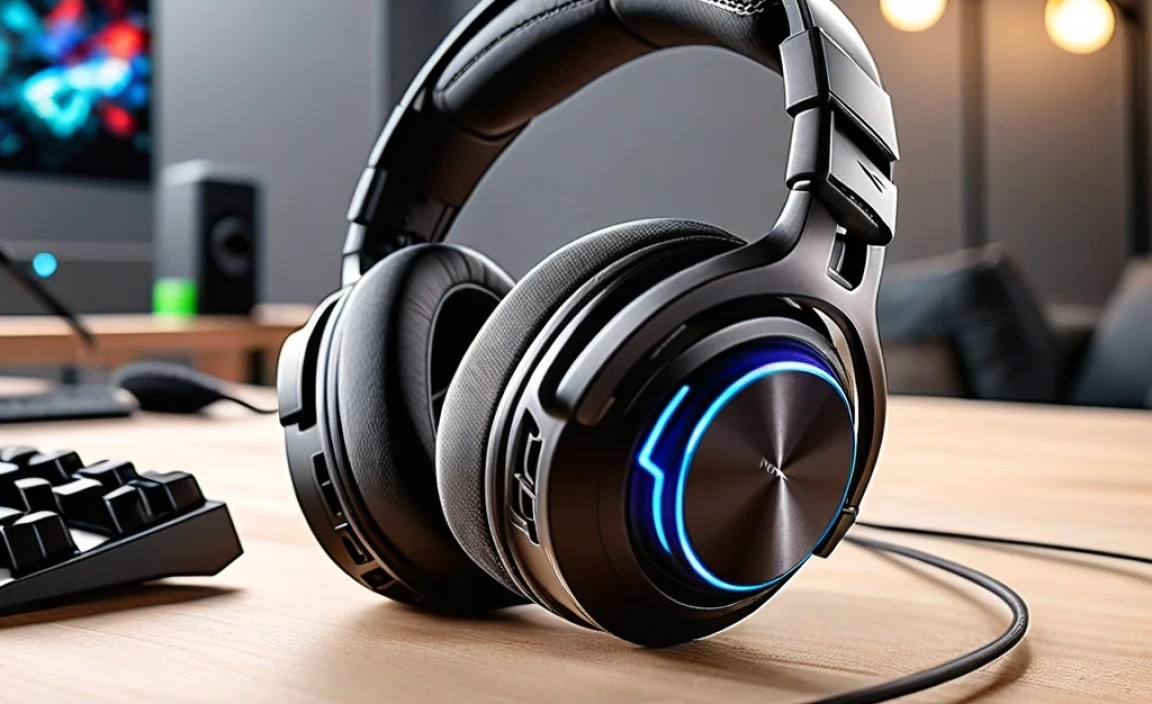
When we talk about wireless gaming headphones for PC, the primary technology you’ll encounter is a proprietary 2.4GHz wireless connection that uses a USB dongle. This is what provides the low-latency, high-quality wireless audio that gamers demand. Bluetooth is often included as a secondary option, offering broader compatibility with various devices but at the cost of potential lag.
2.4GHz Wireless Dongles Explained
A 2.4GHz wireless dongle is a small USB device that plugs into your PC. It communicates directly with the headphones, creating a dedicated, low-interference channel. This direct link is key to achieving the sub-20ms latency that is often considered the gold standard for gaming. For real-time responsive audio, this is your best bet. When you’re purchasing, ensure the dongle is compatible with your PC’s USB ports (USB-A or USB-C).
Bluetooth vs. 2.4GHz for Gaming
It’s a common question: why not just use Bluetooth? While Bluetooth has improved significantly over the years, it’s still inherently more prone to latency than a dedicated 2.4GHz connection. The Bluetooth standard itself involves more processing and potential delays in transmitting audio data. For non-gaming tasks like listening to music or watching videos where precise audio sync isn’t critical, Bluetooth is fantastic for its convenience and broad device support. However, for gaming, especially fast-paced titles where every millisecond counts, the 2.4GHz dongle is the superior choice. Some advanced headsets offer both, allowing you to switch between them depending on your needs.
The Bluetooth SIG website provides more information on the evolution and capabilities of Bluetooth audio technologies.
Setting Up Your Wireless Gaming Headphones

One of the great things about most wireless gaming headphones for PC is how straightforward the setup process is. It’s usually a plug-and-play experience, but here’s a general guide:
- Charge Your Headphones: Before you do anything, ensure your new headphones are fully charged. Most come with a USB charging cable.
- Plug in the Dongle: Insert the USB wireless dongle into an available USB port on your PC.
- Windows Automatic Configuration: In most cases, Windows will automatically detect the dongle and install the necessary drivers. You should see a notification indicating this.
- Select the Headphones as Your Audio Device:
- Right-click on the speaker icon in your Windows taskbar (usually in the bottom right corner).
- Select “Open Sound settings” or “Sounds.”
- Under “Output,” ensure your new wireless headphones are selected as the default playback device.
- Under “Input,” make sure your headphones’ microphone is selected as the default recording device.
- Install Optional Software (Recommended): Many brands offer companion software (e.g., SteelSeries GG, Logitech G HUB, Corsair iCUE, Razer Synapse). Downloading and installing this software allows you to:
- Update firmware for your headphones.
- Customize EQ settings to tailor the sound profile.
- Adjust microphone settings.
- Control RGB lighting (if applicable).
- Enable or configure surround sound features.
- Test Your Audio and Microphone: Open a game or a voice chat application (like Discord) and test both your listening experience and your microphone. You can often do a mic test within these applications.
Troubleshooting Common Wireless Issues
Even with the best technology, occasional hitches can occur. Here’s how to tackle some common problems with your wireless gaming headphones for PC:
- No Sound:
- Check if the headphones are charged and turned on.
- Verify they are selected as the primary audio output device in Windows Sound settings.
- Try unplugging and re-plugging the USB dongle.
- If your headphones have a physical power/connection button, try re-pairing them to the dongle (check your manual).
- Audio Stuttering or Cutting Out:
- Ensure you are within the effective range of the wireless dongle. Obstacles like walls and even your own body can interfere.
- Check for other wireless devices operating on the 2.4GHz band (like some routers or wireless mice/keyboards) that might be causing interference. Try plugging the dongle into a different USB port, or use a USB extension cable to move it closer to your headset.
- Update your headphones’ firmware via the manufacturer’s software.
- Ensure your PC’s drivers are up-to-date.
- Microphone Not Working:
- Confirm the microphone isn’t muted via a button on the headset or in software.
- Check that the correct microphone input is selected in Windows Sound settings and your game/communication app.
- If the mic is detachable, ensure it’s securely plugged in.
- Try a different USB port for the dongle.
- Headphones Not Charging:
- Try a different USB cable.
- Try a different USB port or power source to charge.
- Ensure the charging port on the headphones is clean and free of debris.
For persistent issues, consulting the manufacturer’s support website or contacting their customer service is always a good next step. Many provide detailed FAQs and troubleshooting guides.
Beyond the Basics: Advanced Features
As you explore wireless gaming headphones for PC, you’ll find some models offer features that go beyond the essentials, catering to different user needs and preferences.
Active Noise Cancellation (ANC)
Some premium wireless gaming headsets now include ANC. This technology uses microphones to detect ambient noise and then generates opposing sound waves to cancel it out. It’s fantastic for blocking out distractions like fans, chatter, or household noises, allowing you to focus purely on the game. However, ANC can consume extra battery power and sometimes slightly alter the sound profile, so it’s worth considering if it’s a must-have for you.
Simultaneous Bluetooth and 2.4GHz Connectivity
This is a game-changer for versatility. Headsets with this feature allow you to connect to your PC via the low-latency 2.4GHz dongle and, at the same time, connect to your smartphone via Bluetooth. This means you can chat with friends on Discord via your PC audio, while still hearing game alerts or music from your phone, or take an incoming call without having to switch devices. It’s an incredibly convenient feature for multitaskers.
Hot-Swappable Batteries
Tired of being interrupted by a low battery warning? Some top-tier headsets, like the SteelSeries Arctis Nova Pro Wireless, come with two rechargeable batteries. One charges in the headset while the other is in a charging cradle (often integrated into the base station). When one battery runs low, you can simply swap it out for the fully charged one, theoretically providing almost limitless playtime without interruption.
Frequently Asked Questions (FAQ)
Here are answers to some common questions beginners have about wireless gaming headphones for PC.
Q1: Will wireless gaming headphones have noticeable lag for competitive PC gaming?
A1: For most dedicated wireless gaming headphones using a 2.4GHz USB dongle, the latency is extremely low (often under 20ms), which is imperceptible for almost all gaming scenarios, including competitive titles. Standard Bluetooth can introduce noticeable lag for gaming, so always prioritize a headset with a 2.4GHz connection for your primary gaming needs.
Q2: How do I connect wireless gaming headphones to my PC?
A2: Typically, you just plug the small USB wireless dongle into an available USB port on your PC. Windows will usually recognize it automatically, and the headphones will connect. You might need to select them as the default audio device in Windows sound settings.
Q3: What’s the difference between a USB dongle and Bluetooth for gaming headphones?
A3: The USB dongle uses a 2.4GHz wireless connection optimized for low latency and a stable connection, which is crucial for gaming. Bluetooth is a more universal wireless standard but can have higher latency, making it less ideal for fast-paced gaming where audio sync is critical.
Q4: How long does the battery usually last on wireless gaming headphones?
A4: Battery life varies significantly. Most good wireless gaming headsets offer between 15 to 25 hours on a single charge. Some high-end models or those with exceptional battery efficiency, like the HyperX Cloud Alpha Wireless, can last for 100 to 300 hours. Always check the manufacturer’s specifications.
Q5: Can I use my wireless gaming headphones for music or watching movies, not just gaming?
A5: Absolutely! Most wireless gaming headphones offer excellent audio quality for all types of media. The sound profiles might be tuned for gaming (emphasizing spatial awareness), but they generally perform very well for music and movies too. Features like virtual surround sound can even enhance movie-watching.
Q6: Are wireless gaming headphones safe to use?
A6: Yes, wireless gaming headphones are perfectly safe. They use radio frequencies for communication, similar to Wi-Fi and Bluetooth, and operate well within established safety guidelines for radio frequency exposure. The U.S. Food & Drug Administration (FDA) provides extensive information on radiofrequency energy and medical devices if you wish to learn more.
Q7: What if my wireless headphones are no longer connecting?
A7: First, ensure the headphones are charged and turned on. Try re-pairing them to the dongle (consult your headset’s manual for the specific process). Ensure the dongle is securely plugged into the PC. Sometimes, simply rebooting your PC can resolve connection issues. If problems persist, you may need to reach out to the manufacturer’s support for further assistance.
Conclusion
Choosing the best wireless gaming headphones for PC is about finding a balance of performance, comfort, and features that fit your gaming style and budget. We’ve covered the essential elements – from audio fidelity and latency to comfort and battery life – and explored some of the top contenders on the market. Remember, the goal is to enhance your gaming experience, allowing you to hear every critical detail and communicate clearly with your teammates, all without the hassle of wires. By considering the key features we’ve discussed and utilizing the information provided, you’re well-equipped to make a purchase that you’ll be thrilled with. Happy gaming, and may your audio always be immersive and your connection always stable!
