
Choosing wireless headphones with a mic for Xbox is simpler than you think! This guide breaks down essential features, connectivity options, and top picks to help beginners find the perfect audio companion for immersive gaming and clear team chats. Get ready to upgrade your Xbox experience without the jargon.
Wireless Headphones With Mic For Xbox: Essential Choices for Every Gamer

Hey everyone, Edward Cavitt here from Headphone Horizon! Ready to ditch those tangled cords and elevate your Xbox gaming sessions and party chats?
Picking out wireless headphones with a mic for your Xbox might seem a bit daunting with all the tech talk, but don’t worry, I’m here to make it as clear and easy as hitting the “start” button. We’ll explore what really matters, from sound quality to comfort, and help you find a headset that perfectly fits your needs and budget. Let’s dive in and find your next favorite audio gear!
Why Go Wireless for Your Xbox Gaming?
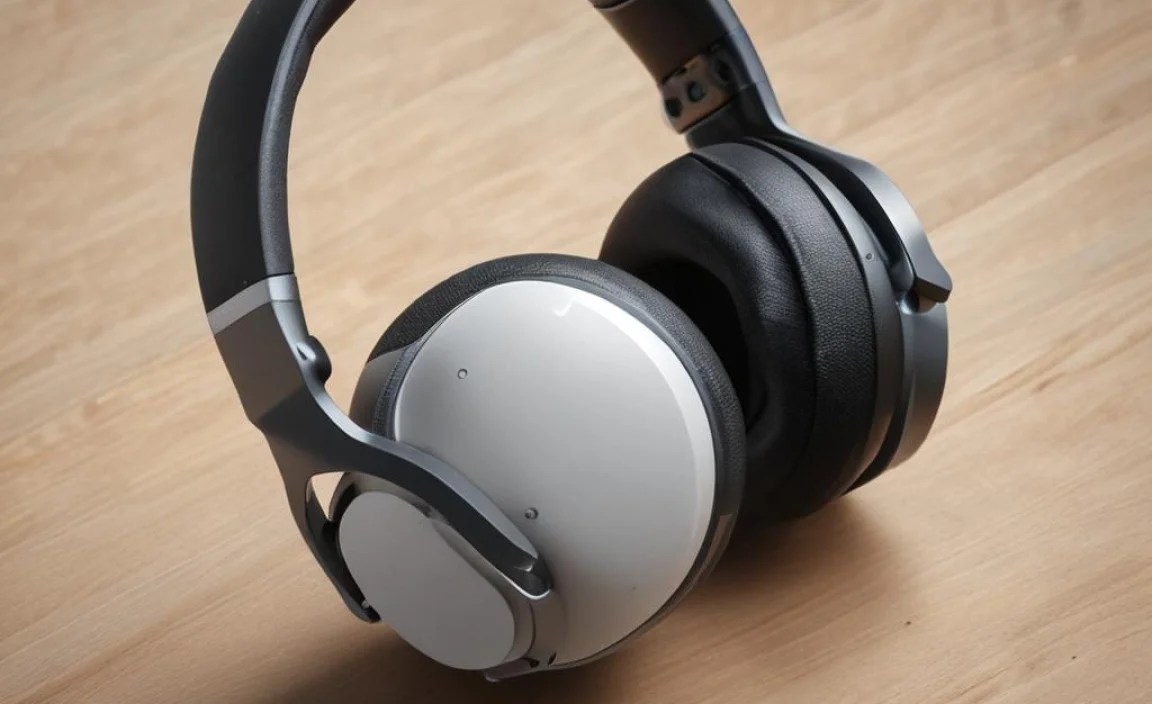
The freedom of wireless is a game-changer, literally! No more tripping over cables during intense moments or being tethered to your console. Wireless headphones offer a tangle-free experience, allowing you to move more freely and immerse yourself deeper into your game.
Plus, with advancements in audio technology, wireless options today offer superb sound quality and low latency, meaning there’s no noticeable delay between what happens on screen and what you hear. This is crucial for competitive gaming where every sound cue counts.
Understanding the Basics: What to Look For

When you’re eyeing wireless headphones with a mic for your Xbox, there are a few key things that will make your decision much easier. Think of these as your essential checklist:
1. Connectivity: How Do They Connect to Your Xbox?
This is perhaps the most critical factor. Xbox consoles have specific ways they handle wireless audio. You’ll usually see a few main types of connectivity:
- Xbox Wireless: This is the official proprietary wireless technology from Microsoft. Headsets designed for “Xbox Wireless” connect directly to your Xbox console without any extra dongles or Bluetooth. They offer a stable, low-latency connection optimized for gaming. You’ll often see an “Xbox” logo on these.
- Dongle-Based Wireless (USB): Many PC gaming headsets also work with Xbox by using a USB wireless transmitter (dongle). You plug this dongle into your Xbox, and the headset connects to it. This is a very common and reliable method, offering good performance.
- Bluetooth: While many headphones use Bluetooth for mobile devices, direct Bluetooth connectivity for Xbox audio is less common and can sometimes be problematic. Some newer Xbox consoles (like Series X/S) have improved Bluetooth support, but it’s often not the primary or most stable method for gaming audio due to potential latency issues. Sometimes, Bluetooth headphones can be used for voice chat via your phone while game audio comes from the Xbox separately, but this is a workaround. Always check if a headset specifically states “Xbox Wireless” or supports direct connection via USB dongle for best results.
2. Microphone Quality: Be Heard Loud and Clear
A clear microphone is essential for coordinating with your teammates or just chatting with friends. Here’s what to consider:
- Mic Type: Most gaming headsets feature a boom mic that extends near your mouth. Look for mics that offer noise cancellation to reduce background distractions.
- Mute Functionality: Easy-to-access mute buttons, either on the headset earcups or the mic itself, are a must-have.
- Detachable/Retractable Mic: Some users prefer a mic that can be removed or tucked away when not in use for a cleaner look.
- Mic Monitoring (Sidetone): This feature allows you to hear your own voice through the headset, so you don’t have to shout. It’s a fantastic addition for maintaining natural speaking volume.
3. Sound Quality: Immerse Yourself
For gaming, you want audio that brings your virtual world to life. This means:
- Driver Size: Larger drivers (e.g., 40mm or 50mm) generally produce richer sound with better bass and detail.
- Surround Sound: While the Xbox natively supports Windows Sonic and Dolby Atmos for Headphones (which may require a purchase or subscription, such as Dolby Access from the Microsoft Store), some headsets offer their own virtual surround sound technology.
- Frequency Response: A wider frequency response (e.g., 20Hz – 20kHz) ensures you can hear both the lowest bass notes and the highest treble details.
4. Comfort and Design: Long Gaming Sessions
You’ll be wearing these for hours, so comfort is key!
- Earcups: Plush, breathable earcups made of memory foam or velour are ideal. Over-ear designs are generally preferred for gaming as they fully encompass your ears.
- Headband: An adjustable, padded headband distributes weight evenly to prevent pressure points.
- Weight: Lighter headsets are usually more comfortable for extended wear.
- Build Quality: Look for durable materials that can withstand regular use.
5. Battery Life: Power Through Your Play
For wireless headsets, battery life is a big consideration. Most gaming headsets offer anywhere from 10 to 40+ hours on a single charge. Consider how long your typical gaming sessions are and how often you’re willing to charge.
Step-by-Step Guide: Choosing Your Wireless Xbox Headset
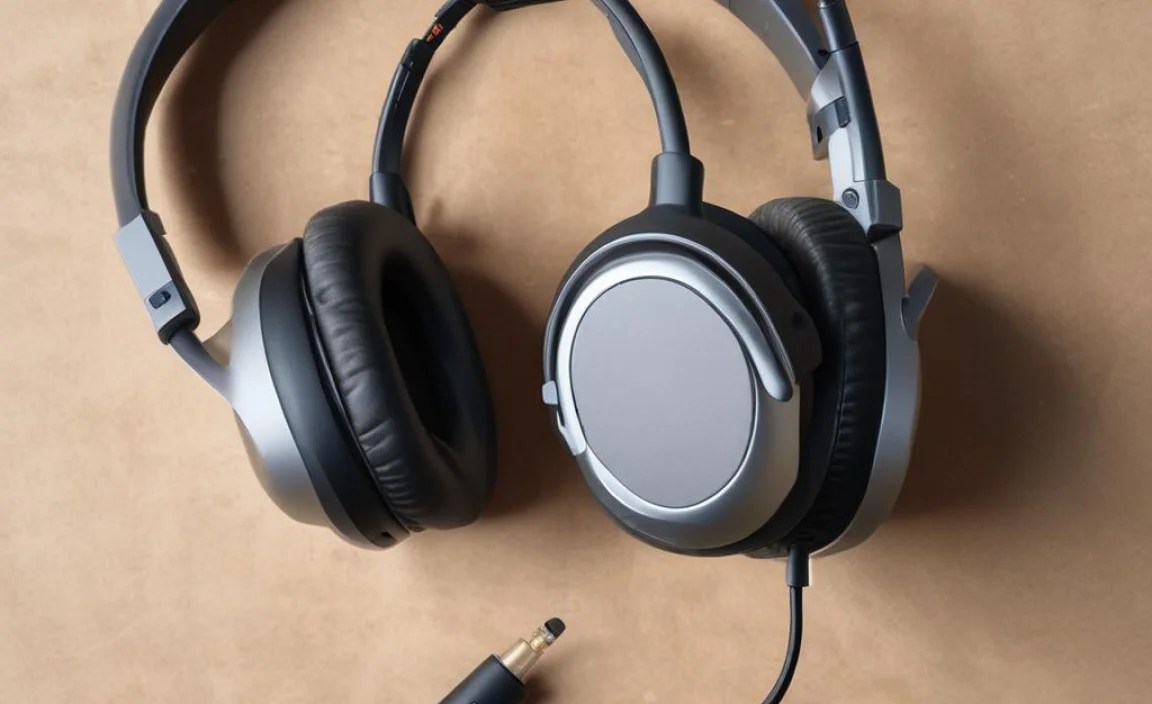
Ready to make a decision? Follow these steps to narrow down your options and find the perfect fit.
Step 1: Identify Your Primary Connectivity Method
This is your first filter. Do you want a headset that plugs directly into your Xbox via the “Xbox Wireless” protocol, or are you okay with using a USB dongle that plugs into your console? For the most seamless experience with an Xbox console, prioritizing “Xbox Wireless” is often best. If you also game on PC, a USB dongle might offer more versatility.
Step 2: Set Your Budget
Wireless Xbox headsets can range from under $50 to well over $300. Decide on a price range that works for you. Generally, you get what you pay for, but there are excellent options at various price points.
- Budget (<$100): Good for beginners, offering essential features and decent sound.
- Mid-Range ($100 – $200): Offers better build quality, sound, mic performance, and battery life.
- Premium (>$200): Top-tier audio, advanced features, superior comfort, and often better durability.
Step 3: Consider Essential Features
Think about what features are non-negotiable for you. Do you absolutely need noise cancellation on the mic? Is battery life over 20 hours a must? Do you want virtual surround sound?
Step 4: Read Reviews and Compare Models
Once you have a few candidates in mind, dive into professional reviews and user feedback. Look for common pros and cons. Pay close attention to comments about microphone clarity, comfort over long periods, and the stability of the wireless connection.
Step 5: Check for Compatibility
While this guide focuses on Xbox, always double-check the product description to confirm it explicitly states compatibility with your specific Xbox model (Xbox One, Xbox Series X, Xbox Series S).
Top Wireless Headset Considerations for Xbox
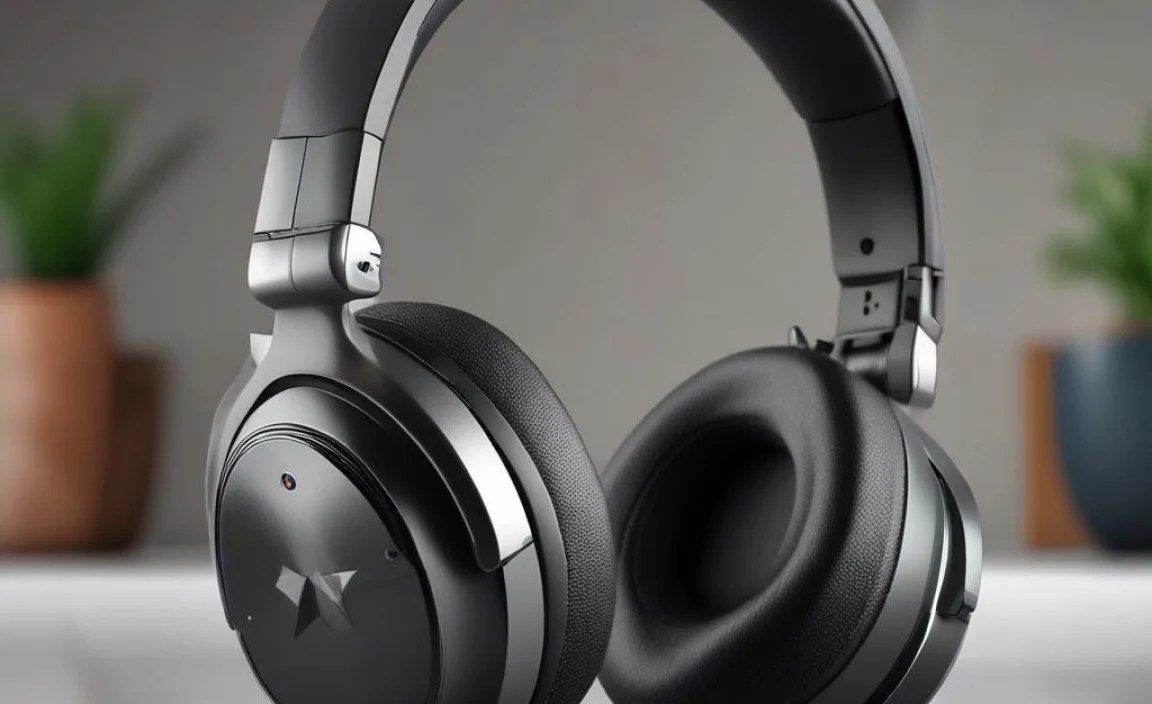
Based on the above, here are some types of headsets and features to keep an eye out for. Keep in mind that specific models change, but these categories and brands are consistently strong contenders:
Xbox Wireless Certified Headsets
These are built from the ground up to work seamlessly with Xbox consoles. They connect directly and usually offer the best plug-and-play experience. Brands like Microsoft’s own officially licensed headsets and offerings from brands like RIG and SteelSeries often fall into this category. They are usually marked with the “Xbox Wireless” logo.
Headsets with USB Dongles
Many popular gaming brands like HyperX, Razer, Logitech G, and Astro offer wireless headsets with USB dongles. These are often versatile, working with both Xbox and PC. They provide a robust, low-latency connection directly to the console via the USB port.
Entry-Level Wireless Options
For those on a tighter budget, look for headsets that prioritize essential functions like a decent mic and comfortable fit. Brands like Turtle Beach often have strong offerings in this segment. While they might not have all the bells and whistles of premium models, they can still provide a solid wireless gaming experience.
Comparing Connectivity Methods: A Quick Glance
Here’s a simple comparison to help solidify your understanding of how these headsets connect:
| Connection Type | Pros | Cons | Best For |
|---|---|---|---|
| Xbox Wireless | Direct connection, low latency, no dongle needed, optimized for Xbox. | Can sometimes be more expensive, may not work with PC without an adapter. | Users who primarily game on Xbox and want a hassle-free, dedicated connection. |
| USB Dongle | Versatile (often works with PC), reliable low latency, widely available. | Requires a free USB port on the Xbox, dongle can be lost. | Gamers who use their headset on both Xbox and PC, looking for a robust wireless solution. |
| Bluetooth | Ubiquitous for mobile devices, sometimes supports dual connection (e.g., phone call + game audio). | Can have higher latency (not ideal for gaming), compatibility can be hit-or-miss on older Xboxes, might require workarounds for game chat. | Casual gaming, or users who prioritize using the headset for music/calls on other devices and can tolerate potential gaming limitations. |
Key Features to Consider for Clear Communication
Your voice is your communication lifeline in multiplayer games. Let’s break down mic-related features that make a difference:
Noise Cancellation: This technology helps filter out background noises like fan hum, keyboard clicks, or even people talking in the background. It makes your voice sound clearer to your teammates. Look for headsets that specifically mention “noise-canceling microphone” or “clear voice capture.”
Mic Monitoring (Sidetone): Has this ever happened? You’re wearing headphones, and you shout into the mic because you can’t hear yourself. Mic monitoring lets you hear your own voice at a comfortable level through the headset. This helps you maintain a natural speaking volume and prevents you from over-speaking. It’s a small feature that significantly improves the communication experience.
Flip-to-Mute: This is incredibly convenient. Simply flip the microphone boom up, and it automatically mutes. Flip it down, and you’re back live. It’s a quick and intuitive way to manage your mic status without fumbling for buttons.
Example Table: Popular Wireless Headset Features Comparison
While specific model availability changes, this table illustrates the types of features you might compare:
| Headset Type/Brand | Primary Connection | Mic Feature | Estimated Battery Life | Approximate Price Range |
|---|---|---|---|---|
| Xbox Wireless Certified | Xbox Wireless | Noise-cancelling, Mic Monitoring | 20-30 hours | $100 – $250 |
| Popular Dongle Headset | USB Dongle | Detachable boom mic, often with noise reduction | 15-24 hours | $80 – $200 |
| Budget Wireless | USB Dongle or Xbox Wireless | Fixed boom mic, basic mic quality | 10-15 hours | $50 – $100 |
Tips for Getting the Best Wireless Experience
Once you’ve chosen your headset, here are a few tips to ensure you get the most out of it:
- Firmware Updates: Many wireless headsets receive firmware updates that can improve performance, fix bugs, or add new features. Check the manufacturer’s website or software for any available updates, especially for the headset and your Xbox console.
- Optimize Your Settings: Explore the audio settings on your Xbox. You can often adjust chat mixer levels, microphone monitoring volume, and sometimes even EQ settings.
- Charging Routines: To maximize battery health, try to avoid fully draining the battery every time. Charging it when it’s around 20-30% is generally good practice.
- Storage: When not in use, store your headset in a cool, dry place, ideally in a stand or its original box to protect it from dust and damage.
- Keep Drivers Clean: For headsets that use USB dongles, ensure the USB ports on your Xbox are clean and free from dust to maintain a stable connection.
Frequently Asked Questions About Wireless Xbox Headsets
Q1: Can I use any Bluetooth headphones with my Xbox?
A: Generally, no. While Xbox Series X/S consoles and the newer Xbox Wireless Adapter for PC have improved Bluetooth capabilities, most standard Bluetooth headphones do not connect directly for game audio and chat on Xbox. It’s always best to look for headsets that use “Xbox Wireless” protocol or a dedicated USB transmitter for reliable Xbox connectivity.
Q2: Do I need a special adapter for wireless headphones?
A: If the headset uses the proprietary “Xbox Wireless” protocol, it connects directly to your Xbox console without any additional adapter. However, if you’re using a headset designed for PC that comes with a USB wireless dongle, that dongle needs to be plugged into the Xbox’s USB port to establish the connection.
Q3: How do I know if a headset is compatible with my Xbox?
A: Look for explicit mentions on the product packaging or description. Headsets will typically state “Works with Xbox,” “Xbox Wireless Certified,” or mention compatibility with Xbox Series X|S and Xbox One. If you’re unsure, check the manufacturer’s official website.
Q4: What does “latency” mean, and why is it important for gaming headsets?
A: Latency refers to the delay between an action happening in your game (like firing a weapon) and the sound of that action reaching your ears. For gaming, low latency is crucial so that you hear game events in real-time. Wireless technologies like “Xbox Wireless” and dedicated USB dongles are designed to minimize this delay compared to standard Bluetooth.
Q5: How can I improve the microphone sound quality on my Xbox headset?
A: Ensure the microphone is positioned correctly near your mouth. Check your Xbox’s audio settings for microphone volume and chat mixer adjustments. If your headset has noise cancellation features, make sure they are enabled. Keeping your headset’s firmware updated can also help improve mic performance.
Q6: Can I use my wireless headset for both gaming and music?
A: Many wireless gaming headsets can be used for music, but their primary tuning is for game audio. For the best music experience, you might consider a separate pair of high-fidelity headphones. However, if your headset offers good audio range and you’re just casually listening, it can certainly do double duty.
Conclusion
Finding the right wireless headphones with a mic for your Xbox is all about understanding your needs and what the technology offers. Whether you’re looking for that seamless “Xbox Wireless” connection, the versatility of a USB dongle, or just want to ensure your teammates can hear you clearly, there’s a fantastic headset out there for you.
Don’t get bogged down by jargon; focus on connectivity, mic clarity, sound immersion, and lasting comfort. With this guide, you’re well-equipped to make an informed choice and enhance your Xbox gaming experience tenfold. Happy gaming, and I hope you find your perfect audio companion!
