
Quick Summary: Discover how wireless stereo headphones deliver immersive sound without cables. This guide simplifies choosing, connecting, and enjoying your audio experience, making it easy to find the perfect pair for music, calls, and more.
Hey everyone, Edward Cavitt here from Headphone Horizon! If you’re looking to break free from tangled wires and dive into a world of rich, detailed audio, then you’ve come to the right place. Wireless headphones for stereo listening are a game-changer, offering incredible freedom and surprisingly robust sound quality these days. Gone are the days when wireless meant sacrificing audio fidelity.
Today, we’re going to demystify the process of choosing, connecting, and truly enjoying your wireless audio, ensuring you get the most out of your sound experience, whether you’re a music aficionado, a podcast buff, or just someone who enjoys crystal-clear calls on the go. Let’s get started on your journey to essential stereo sound!
Unlocking Essential Stereo Sound: Your Guide to Wireless Headphones

The desire for high-quality, immersive audio is universal. While wired headphones have long been the standard for pristine stereo sound, wireless technology has rapidly advanced, offering a compelling alternative. Wireless headphones for stereo listening aren’t just about convenience; they’re about delivering a rich, multi-dimensional soundscape directly to your ears without the hassle of cords.
This guide is designed to help beginners navigate the world of wireless stereo headphones, from understanding the basics to making an informed purchase and ensuring you get the best possible listening experience possible.
What Exactly Are Wireless Stereo Headphones?

At its core, “stereo” means sound that is presented in a way that mimics how humans hear in the real world – with distinct left and right channels. This creates a sense of space, depth, and directionality, making music sound more lifelike and immersive. When we talk about wireless stereo headphones, we mean headphones that can receive audio signals wirelessly (typically via Bluetooth) and reproduce this two-channel stereo sound. This allows for a more engaging listening experience compared to mono audio. The “wireless” aspect means they connect to your device – phone, tablet, computer, or TV – without a physical cable.
Why Choose Wireless for Your Stereo Experience?
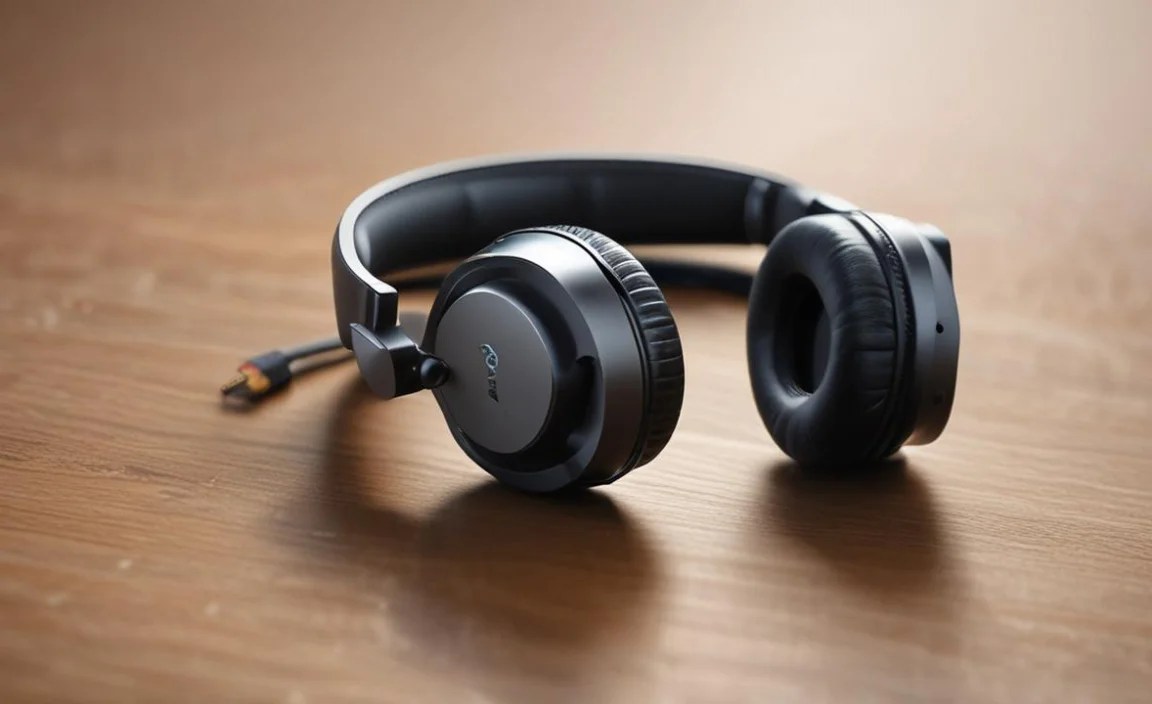
The allure of wireless headphones for stereo listening is undeniable, primarily due to the freedom they offer. No more getting tangled in cords while you’re cooking, exercising, or simply moving around your home. Modern wireless technology also means that audio quality has improved dramatically. Many wireless headphones now support high-fidelity audio codecs that minimize sound degradation, delivering a listening experience that rivals, and in some cases even surpasses, their wired counterparts for many users.
Here are some key advantages:
- Freedom of Movement: This is the most obvious benefit. Move around without being tethered to your device.
- Convenience: Quick and easy pairing with your devices. No need to search for the correct port.
- Reduced Clutter: A cleaner, tidier setup, especially if you’re using them with a computer or at a desk.
- Improved Audio Codecs: Technologies like aptX HD and LDAC offer near-CD quality sound over Bluetooth for compatible devices.
- Versatility: Many wireless headphones include features like built-in microphones for calls, active noise cancellation, and voice assistant integration.
Understanding Bluetooth and Audio Codecs
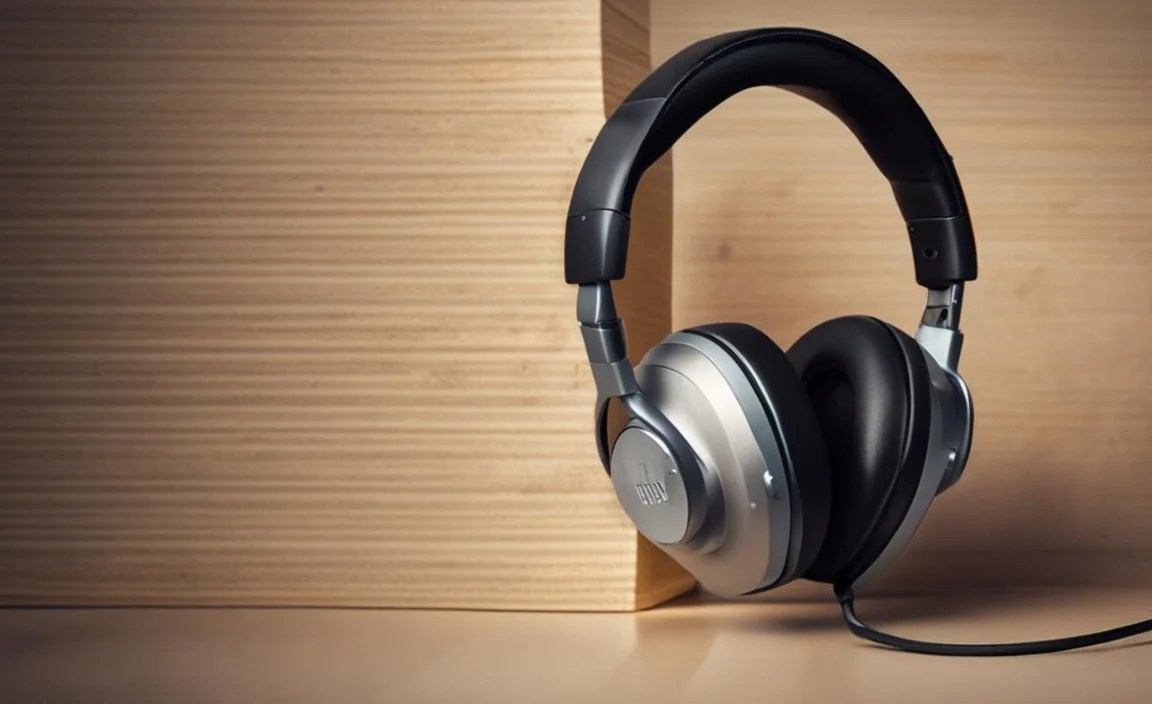
The magic behind wireless audio is Bluetooth. It’s a short-range wireless technology standard used for exchanging data between fixed and mobile devices over short distances. For audio, your headphones and your source device (like your phone) need to speak the same “Bluetooth language” to transmit sound effectively.
However, not all Bluetooth connections are created equal. This is where audio codecs come into play. A codec (coder-decoder) is a piece of software or hardware that compresses digital audio data for transmission and then decompresses it for playback. Different codecs offer varying levels of sound quality, latency (delay), and efficiency. For the best stereo sound over Bluetooth, you’ll want to be aware of these:
- SBC (Subband Coding): This is the standard, most basic Bluetooth audio codec. It’s universally compatible but offers the lowest sound quality. Think of it as the entry-level option.
- AAC (Advanced Audio Coding): Commonly used by Apple devices (iPhone, iPad), AAC offers better sound quality than SBC and is a good choice if you’re in the Apple ecosystem.
- aptX (Adaptive and HD): Developed by Qualcomm, aptX and its variants (like aptX HD and aptX Adaptive) are popular for Android devices. aptX HD significantly improves audio quality over SBC, offering near CD-like fidelity. aptX Adaptive adjusts the audio stream based on your environment to maintain a stable connection and low latency.
- LDAC: Developed by Sony, LDAC is one of the highest-resolution Bluetooth audio codecs available. It can transmit a large amount of data, supporting up to 24-bit/96kHz audio. It’s ideal for audiophiles seeking the best possible wireless sound quality, but it requires both your headphones and your source device to support it.
For a truly essential stereo sound experience, aim for headphones and a source device that support at least AAC or aptX. If you’re an audiophile, LDAC or aptX HD will be your go-to. You can often check your phone’s Bluetooth settings or the headphone’s specifications to see which codecs are supported.
Types of Wireless Stereo Headphones

The world of wireless headphones is diverse, with different styles catering to various needs and preferences. For stereo listening, most of these types will deliver excellent sound:
1. True Wireless Stereo (TWS) Earbuds
These are the tiny, completely wireless earbuds you see everywhere. Each earbud is a separate unit that pairs independently with your device via Bluetooth. They often come with a charging case that provides extra battery life on the go.
- Pros: Ultimate portability, no wires whatsoever, very discreet.
- Cons: Small battery life per charge, can be easy to lose, sound isolation can be less effective than over-ear models, best for on-the-go or workouts.
- Best for: Commuters, gym-goers, people who prioritize extreme portability.
2. Wireless Neckband Earbuds
These feature two earbuds connected by a flexible band that rests around your neck. The battery pack and controls are usually integrated into the neckband. They offer some of the portability of TWS but with a more secure fit and often longer battery life.
- Pros: Less likely to lose than TWS, often better battery life than TWS, easy access to controls.
- Cons: The neckband can sometimes be felt or become a nuisance, not as discreet as TWS.
- Best for: Those who want TWS convenience but fear losing them, daily listeners.
3. On-Ear Wireless Headphones
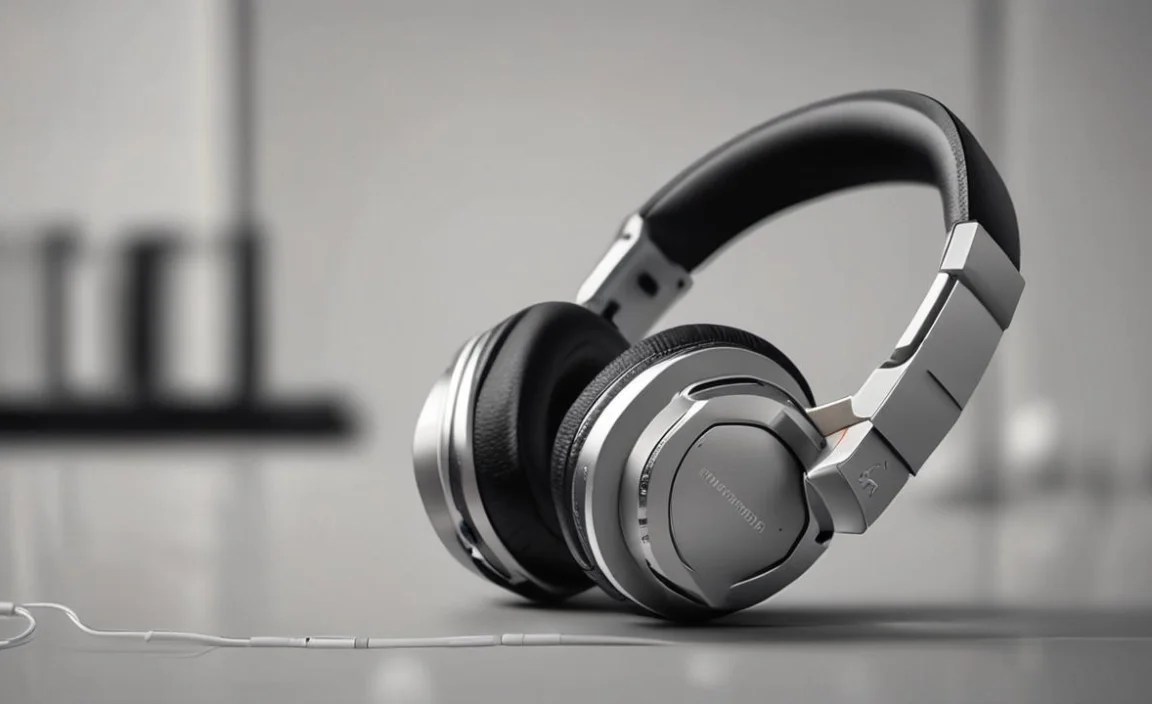
These headphones have earcups that rest on your ears. They are generally more compact than over-ear models and can be a good balance between portability and sound immersion.
- Pros: More portable than over-ear, can offer decent soundstage, often lighter.
- Cons: Can exert pressure on ears during long listening sessions, sound leakage can be an issue for others nearby.
- Best for: Casual listeners, office environments, travel.
4. Over-Ear Wireless Headphones
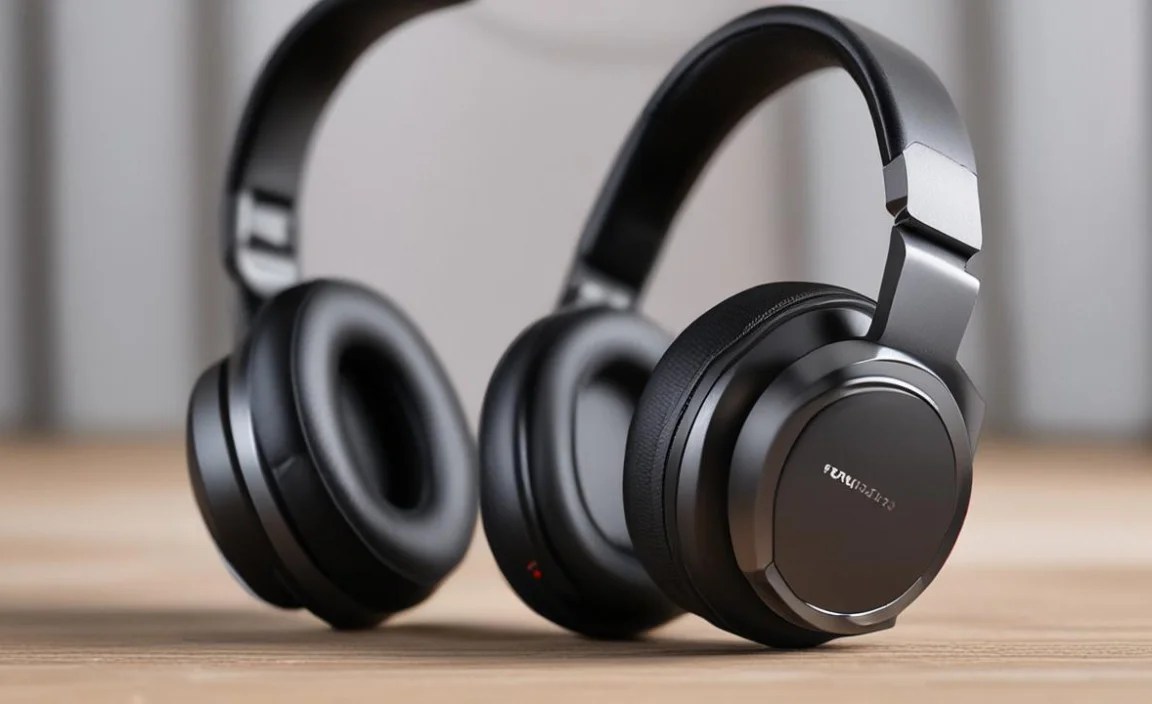
These headphones feature large earcups that completely enclose your ears, providing excellent passive noise isolation and often the most immersive stereo soundstage. They typically offer the best comfort for extended listening sessions.
- Pros: Most comfortable for long periods, best passive noise isolation, often deliver the richest, most spacious sound.
- Cons: Bulkiest and least portable, can cause ears to get warm.
- Best for: Home listening, audiophiles, immersive gaming, frequent travelers who prioritize sound quality and comfort.
Key Features to Look For in Wireless Stereo Headphones

When you’re shopping for wireless headphones for stereo sound, here are the features that will make the biggest difference:
- Battery Life: How long do they last on a single charge? Consider how you’ll use them. A longer battery life is always a plus, especially for travel or long workdays.
- Comfort and Fit: This is paramount for enjoyment. If they’re uncomfortable, you won’t wear them. Try them on if possible, or read reviews focusing on comfort.
- Sound Quality: Look for support for higher-quality codecs (AAC, aptX, LDAC) and read reviews from trusted audio sources that discuss the sound signature (e.g., balanced, bass-heavy, clear mids).
- Build Quality: Are they made from durable materials? Will they withstand daily use?
- Connectivity: Strong and stable Bluetooth connection is crucial. Look for Bluetooth 5.0 or higher for benefits like improved range, stability, and power efficiency.
- Water/Sweat Resistance (IP Rating): If you plan to use them for exercise, an IPX4 rating or higher is recommended. This means they can withstand splashes of water or sweat.
- Active Noise Cancellation (ANC): If you want to block out ambient noise for a more focused listening experience, ANC is a significant feature.
- Microphone Quality: If you plan to take calls, check reviews specifically mentioning microphone performance.
Step-by-Step Guide: Connecting Your Wireless Stereo Headphones

Connecting your new wireless headphones is usually a straightforward process. Here’s how to do it:
Step 1: Charge Your Headphones
Before you begin, ensure your headphones are adequately charged. Most come with a USB-C or micro-USB cable for charging. Refer to your product manual for specific charging times and indicators.
Step 2: Enable Bluetooth on Your Device

On your smartphone, tablet, or computer, navigate to the Bluetooth settings. You’ll need to turn Bluetooth on. On most devices, you can find this in the main Settings menu.
- For iOS (iPhone/iPad): Go to Settings > Bluetooth.
- For Android: Go to Settings > Connected devices > Connection preferences > Bluetooth.
- For Windows: Go to Settings > Devices > Bluetooth & other devices.
- For macOS: Go to System Preferences > Bluetooth.
Step 3: Put Your Headphones in Pairing Mode

This is the most critical step. Each headphone model has a specific way to enter pairing mode. Usually, it involves pressing and holding a power or Bluetooth button for a few seconds until an indicator light flashes (often blue or red/blue) or you hear an audio cue like “pairing mode.” Consult your headphone’s manual if you’re unsure.
Step 4: Select Your Headphones from the Device’s Bluetooth List

Once your headphones are in pairing mode and Bluetooth is enabled on your device, your headphones should appear in the list of available Bluetooth devices on your screen. It might be listed by brand name or model name.
Tap on the name of your headphones to initiate the connection. You might be prompted to confirm a pairing request or enter a PIN (often “0000” or “1234,” but this is rare with modern devices).
Step 5: Confirm Connection and Test
Your device will usually indicate when the headphones are successfully connected. You might hear a confirmation tone or see “Connected” next to the headphone’s name in your Bluetooth list. Now, play some music or any audio content to test your stereo sound!
Tip: For a robust understanding of Bluetooth, the Bluetooth SIG website offers official guides on pairing and connectivity.
Troubleshooting Common Wireless Connection Issues
Even with the best technology, you might encounter a hiccup now and then. Here are some common problems and their simple solutions:
- Headphones won’t pair:
- Ensure headphones are in pairing mode and charged.
- Turn Bluetooth off and on again on your device.
- Restart both your device and your headphones.
- “Forget” the headphones from your device’s Bluetooth list and try pairing again.
- Audio cutting out or choppy:
- Ensure the headphones are within Bluetooth range (typically up to 30 feet/10 meters).
- Minimize obstructions between your device and headphones (e.g., walls, thick clothing).
- Close other Bluetooth-enabled devices that aren’t in use, as interference can occur.
- Check if the audio source device is struggling (e.g., poor network connection for streaming).
- No sound from one earbud (for TWS):
- Ensure both earbuds are charged and have removed from their case.
- Place both earbuds back in the charging case, close it, and then take them out again.
- Check your device’s audio balance settings (sometimes it can be accidentally shifted to one side).
- Reset the earbuds according to the manufacturer’s instructions (check your manual).
- Low volume:
- Check the volume levels on both your device and your headphones.
- Ensure you are not using a low-power audio mode or a specific EQ setting that reduces overall volume.
Maximizing Your Wireless Stereo Sound Experience
Once you’re connected and enjoying your wireless stereo headphones, there are a few things you can do to ensure the best possible sound:
- Check for Firmware Updates: Many wireless headphones can be updated via a companion app. Updates often improve performance, fix bugs, and sometimes even enhance sound quality.
- Experiment with EQ Settings: Most smartphones and music apps have equalizer (EQ) settings. Play around with them to find a sound profile that suits your taste and the music you’re listening to.
- Ensure Correct Fit: For earbuds, a proper seal is crucial for bass response and passive noise isolation. For over-ear headphones, ensure the earcups are positioned correctly on your ears.
- Choose the Right Codec: If your headphones and device support multiple codecs, and you notice a difference, select the one that provides the best balance of sound quality and stability.
- Understand Latency: While most modern headphones have low latency, there can still be a slight delay between video and audio, especially if using SBC. For critical video watching or gaming, look for headphones specifically boasting low-latency modes (often using aptX Low Latency or similar technologies).
Comparing Popular Wireless Stereo Headphone Features
To give you a clearer picture, here’s a comparison of common features found in mid-range to high-end wireless stereo headphones. Keep in mind that specific features vary greatly by brand and model.
| Feature | True Wireless Earbuds | Over-Ear Headphones | Neckband Earbuds |
|---|---|---|---|
| Sound Quality Potential | Good to Excellent (depends on driver size and codecs) | Excellent (larger drivers, better seal) | Good to Excellent (can be limited by neckband cabling) |
| Portability | Highest | Low to Medium | Medium |
| Battery Life (per charge, headphones only) | 3-10 hours | 15-40+ hours | 6-20 hours |
| Comfort for Long Sessions | Can vary; some find them less comfortable than over-ear. | Excellent | Good, but neckband can be felt. |
| Noise Isolation (Passive) | Good (with ear tips) to Excellent | Excellent | Good (with ear tips) |
| Active Noise Cancellation (ANC) | Common in mid-to-high-end | Very Common in mid-to-high-end | Less Common, but available |
| Use Cases | Commuting, workouts, travel, everyday. | Home listening, travel, focused work, audiophile use. | Commuting, work, everyday, when losing earbuds is a concern. |
For a deeper dive into the technical aspects of audio quality and how it’s measured, resources like the Audio Engineering Society (AES) provide extensive research and standards, though much of it is technical.
Choosing the Right Wireless Headphones for Your Needs

With all this information, how do you pick the “right” ones? Consider your primary use case:
- For the Commuter
