
Quick Summary: This guide helps you choose the best wireless headphones for your TV. We’ll cover essential features like connection types, sound quality, comfort, and battery life, making it easy for beginners to find the perfect pair for an immersive viewing experience.
Wireless Headphones for TV Reviews: Your Essential Guide to Immersive Viewing

Watching TV is a favorite pastime for many, but sometimes, the TV’s built-in audio just doesn’t cut it. Whether you’re trying to catch every whispered line in a drama, feel the rumble of an action movie without disturbing others, or simply want to immerse yourself more deeply in your favorite shows, a good pair of wireless headphones can be a game-changer. But with so many options flooding the market, how do you pick the right ones? This guide is here to help. We’ll break down what to look for, demystify the tech, and offer insights to ensure you find the perfect wireless headphones for your TV watching needs, making your entertainment truly shine.
Why Wireless Headphones for Your TV? The Benefits Unpacked

The appeal of wireless headphones for TV viewing is multifaceted. Firstly, they offer unparalleled freedom of movement, liberating you from the constraints of a physical cable. Imagine getting up to grab a snack or adjust the thermostat without missing a beat of your program. Secondly, they dramatically enhance your audio experience. Many wireless headphones are designed with superior sound drivers and acoustics compared to standard TV speakers, delivering clearer dialogue, richer sound effects, and a more immersive atmosphere. For those who share their living space, wireless headphones are a godsend, allowing you to enjoy your content at any volume without disturbing your partner, children, or roommates. This is particularly useful for late-night viewing sessions or when different family members have different audio preferences. Lastly, for individuals with hearing difficulties, wireless headphones can offer a personalized listening experience, often with adjustable volume controls and improved clarity that makes following dialogue much easier. According to the National Institute on Deafness and Other Communication Disorders (NIDCD), proper amplification and sound clarity can significantly improve the experience for individuals with hearing loss.
Understanding the Technology: Key Connection Types
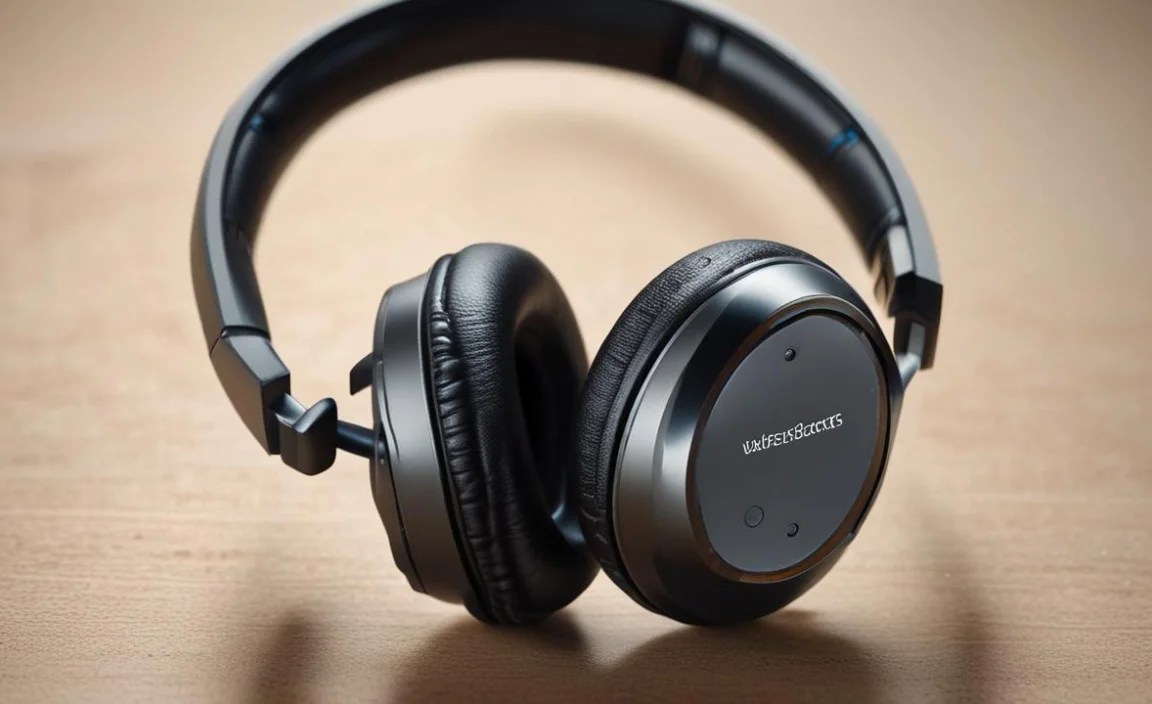
When you’re looking at wireless headphones for your TV, the connection technology is one of the most crucial aspects. Here’s a breakdown of the common types you’ll encounter:
Bluetooth Technology
Bluetooth is the most ubiquitous wireless technology. It’s what connects your smartphone to your car stereo, your earbuds to your tablet, and increasingly, your TV to your headphones. The biggest advantage of Bluetooth is its widespread compatibility. Most modern smart TVs have built-in Bluetooth. If yours doesn’t, you can often use a small Bluetooth transmitter that plugs into your TV’s audio output (like a headphone jack or optical port).
Key Bluetooth aspects to consider:
- Bluetooth Version: Newer versions (like Bluetooth 5.0 and above) offer better range, stability, and power efficiency. They can also support multiple connections simultaneously and higher quality audio codecs.
- Audio Codecs: These are like the language your audio is translated into for wireless transmission. Common codecs include SBC (standard, built-in but basic quality), AAC (better quality, common on Apple devices), aptX (good quality, low latency), and aptX HD (even better quality, lower latency). For TV viewing, low latency codecs like aptX LL (Low Latency) are highly desirable to prevent the dreaded audio-video sync issue where the sound lags behind the picture.
- Multipoint Pairing: Some headphones can connect to two devices at once. This can be handy if you want to listen to your TV but still be able to take a phone call on your smartphone without switching devices manually.
RF (Radio Frequency) Headphones
RF headphones utilize a dedicated base station that plugs into your TV. The headphones then communicate wirelessly with this base station. RF technology often offers a more robust and longer-range connection than standard Bluetooth, and many RF systems are specifically designed for low latency, making them excellent for TV. They are less prone to interference from other wireless devices.
Key RF aspects:
- Dedicated Base Station: This is the hub of the system and needs to be physically connected to your TV.
- Range: Typically offer a wider range than basic Bluetooth, often suitable for larger homes.
- Dedicated Channel: Less susceptible to interference from Wi-Fi routers, microwaves, or other Bluetooth devices.
- Simplicity: Generally easier to set up and less prone to pairing issues than Bluetooth.
Infrared (IR) Headphones
Less common now, IR headphones work similarly to TV remote controls. They require a direct line of sight between the transmitter and the headphones. This means you can’t move around too much, and if something blocks the signal, the audio will cut out. They are generally not recommended for modern TV use unless you have a very specific, stationary setup.
Crucial Features to Consider for TV Headphones

Beyond the connection type, several other features will significantly impact your TV listening experience. Prioritizing these will help you make an informed decision:
Sound Quality and Dialogue Clarity
This is paramount for enjoying your shows. Look for headphones that are known for their balanced sound profile. Some headphones are tuned for booming bass, which can be exciting for movies but might obscure dialogue in softer scenes. Others excel at mids and highs, bringing out voices clearly. Many TV-focused headphones have a “dialogue boost” or “clear voice” mode, which is a fantastic feature for anyone who struggles to hear spoken words. Reading reviews that specifically mention dialogue clarity is a good strategy.
Comfort and Fit
You might be wearing these for extended periods, so comfort is non-negotiable. Consider:
- Earcup Type: Over-ear headphones (circumaural) fully enclose your ears and are generally the most comfortable for long sessions, offering good passive noise isolation. On-ear headphones (supra-aural) rest on your ears and can be less comfortable for some, while also leaking more sound. In-ear earbuds are the smallest but might not offer the immersive sound or comfort for hours of TV.
- Weight: Lighter headphones are less likely to cause neck strain or discomfort.
- Materials: Plush earcups made of memory foam or soft leather/protein leather are ideal for long wear.
- Adjustability: A well-padded, adjustable headband is crucial for finding the perfect fit.
Battery Life and Charging
Nothing kills a movie night faster than headphones dying mid-scene. Check the advertised battery life, but also consider:
- Playtime: Aim for headphones that offer at least 15-20 hours of use on a single charge. Many high-end options go much higher.
- Quick Charge: Some headphones offer a rapid charge feature, giving you a few hours of playback from just a few minutes of charging.
- Charging Method: Most use USB-C, which is convenient. Some RF systems have charging docks, which are very simple to use – just place the headphones on the stand.
Latency (Audio Sync)
Latency is the delay between the video and audio. High latency is the bane of wireless TV watching, causing a noticeable lag that pulls you out of the experience. This is where Bluetooth ‘s aptX Low Latency (aptX LL) codec shines. If your TV also supports aptX LL (or you use a transmitter that does), this is the best way to ensure audio and video are in sync. RF headphones are also generally excellent at minimizing latency without the need for special codecs.
Volume Control and Ease of Use
Look for headphones that have easy-to-access volume controls directly on the earcup. Many also feature power buttons, pairing buttons, and sometimes even playback controls. For TV, the simpler, the better is often the rule. Some headphones offer an independent volume control on the transmitter or base station, which can be very convenient.
Noise Cancellation (ANC) vs. Ambient Sound Modes
Active Noise Cancellation (ANC) is great for blocking out external distractions, immersing you in your show. However, it’s not always essential for TV if you’re already in a quiet environment. Some users actually prefer to hear faint ambient sounds for safety or to be aware of their surroundings. Ambient Sound Modes (also called transparency modes) allow external sounds in, which can be useful for quick conversations or hearing crucial alerts.
Durability and Build Quality
Will these headphones last? Check reviews for comments on the materials used and user experiences regarding longevity. A sturdy build with good quality plastics and hinges will ensure your investment holds up over time.
Connecting to Your TV: A Step-by-Step Approach

Step 1: Check Your TV’s Capabilities
Before buying any headphones, determine how your TV can connect wirelessly:
- Built-in Bluetooth: Go into your TV’s settings menu. Look for “Bluetooth,” “Sound,” or “Connected Devices.” If there’s an option to search for or pair Bluetooth devices, your TV has it built-in.
- Audio Output Ports: If your TV doesn’t have Bluetooth, identify its audio output ports. Common ones include:
- 3.5mm Headphone Jack: A small, circular port, often on the side or back of the TV.
- Optical Audio Output (Toslink): A small, usually square-shaped port with a red light inside when the TV is on. This offers high-quality digital audio.
- RCA Audio Out (Red & White): Less common on modern TVs but might be present on older models. These are for analog stereo audio.
Step 2: Choose Your Connection Method and Headphones
| TV Capability | Recommended Headphone Type | Notes |
|---|---|---|
| Built-in Bluetooth | Bluetooth Headphones (preferably with aptX LL) | Ensure TV also supports aptX LL or use a transmitter for low latency. |
| No Built-in Bluetooth (has 3.5mm or Optical Out) | Bluetooth Transmitter + Bluetooth headphones OR RF Headphones | Transmitter connects to TV, headphones connect to transmitter. RF systems include their own base station. |
| No Built-in Bluetooth (has RCA Out instead of Optical/3.5mm) | RCA to 3.5mm adapter (if needed) + Bluetooth Transmitter + Bluetooth Headphones OR RF Headphones | Ensure transmitter has RCA input or use an adapter. |
Step 3: Setting Up Your Headphones
If Using Built-in TV Bluetooth:
- Turn on your TV’s Bluetooth discovery mode (usually in Settings > Sound or Connections).
- Put your wireless headphones into pairing mode (check their manual – usually involves holding a power or Bluetooth button).
- Your TV should detect the headphones. Select them from the list of available devices and click “Pair” or “Connect.”
- Once paired, go to your TV’s audio output settings.
