
Quick Summary: Choosing the right headphones for school kids is crucial for a better learning experience and focus. Opt for comfort, durability, volume-limiting features to protect hearing, and a secure fit. This guide breaks down what to look for, offering practical advice for parents and students to find the perfect pair.
Headphones for School Kids: Essential Gear for Learning and Fun
Hey there! Edward Cavitt here from Headphone Horizon. As our kids increasingly engage with digital learning, whether in the classroom or at home, having the right audio gear is becoming less of a luxury and more of a necessity. Headphones can be a game-changer, helping students concentrate by blocking out distractions, making online lessons clearer, and providing an enjoyable way to learn through audiobooks and educational videos. But with so many options out there, how do you pick the best headphones for school kids? Don’t worry, we’ll walk through everything you need to know, keeping it simple and practical so you can make a confident choice for your young learner.
Why Headphones Are Essential for School Kids

In today’s blended learning environments, headphones are no longer just for listening to music. They play a vital role in a student’s educational journey. They can:
- Enhance Focus: By minimizing background noise, headphones create a personal bubble of quiet, allowing kids to concentrate better on lessons, assignments, and online classes.
- Improve Clarity: Whether it’s an online lecture, an educational video, or an audiobook, headphones deliver sound directly to the ears, ensuring every word is heard clearly, even in noisy environments.
- Protect Hearing: This is a big one! Many kid-specific headphones come with built-in volume limiters to prevent permanent hearing damage, unlike standard headphones that can crank up the volume to potentially harmful levels.
- Promote Independent Learning: With headphones, students can engage with digital content at their own pace and in their own space, fostering a sense of autonomy in their learning.
- Offer Entertainment & Relaxation: Beyond academics, headphones are great for downtime, allowing kids to listen to music, podcasts, or audiobooks without disturbing others.
Key Features to Look for in School Headphones

When you’re on the hunt for the perfect pair, keep these essential features in mind. They’ll help you narrow down the vast selection and find something that’s both functional and safe for your child.
1. Volume Limiting Technology
This is arguably the most critical feature for headphones intended for children. Excessive noise exposure can lead to irreversible hearing loss. Many headphones designed for kids have a built-in volume limiter that caps the maximum sound output at a safe level, typically around 85 decibels (dB). For reference, the World Health Organization recommends that sustained exposure should not exceed 85 dB, and even shorter exposure to higher levels can be damaging. Look for headphones specifically marketed with this feature.
To understand more about safe listening practices and noise exposure, the World Health Organization provides excellent resources on hearing health and safe noise levels.
2. Durability and Build Quality
Kids are, well, kids! They can be tough on their belongings. Therefore, durability is paramount. Look for headphones made from sturdy materials that can withstand being tossed into a backpack, accidentally dropped, or even bent slightly. ABS plastic is often a good sign of robust construction. Check for reinforced hinges, flexible headbands, and tangle-resistant cords (if they have one). Some headphones even come with replaceable ear pads, which can extend their lifespan considerably.
3. Comfort and Fit
If headphones aren’t comfortable, your child won’t wear them, no matter how good they are. Consider the following:
- Cushioning: Soft, padded earcups make a huge difference during long study sessions or listening periods.
- Adjustability: A padded, adjustable headband ensures a secure yet comfortable fit for different head sizes.
- Weight: Lighter headphones are generally more comfortable for extended wear.
- Earcup Size: Over-ear designs tend to be more comfortable than on-ear for longer periods as they don’t press directly on the ears.
4. Type of Headphones
There are a few main types of headphones to consider for school:
- Over-Ear: These cups completely surround the ear. They usually offer good comfort and passive noise isolation (blocking out external sounds by physically covering the ear). They are often the best choice for younger children due to their comfort and secure fit around the head.
- On-Ear: These cups rest on the ear. They are typically smaller and lighter than over-ear models but can sometimes put pressure on the ears and offer less passive noise isolation.
- In-Ear (Earbuds): These fit inside the ear canal. While portable and discreet, they can be a choking hazard for very young children and might not provide as secure a fit as over-ear headphones for active kids.
For school settings, over-ear headphones are generally recommended for their comfort, noise isolation, and secure fit.
5. Wired vs. Wireless
This is a decision that depends on your needs and budget.
- Wired Headphones:
- Pros: Generally more affordable, no need to worry about battery life, no pairing issues, often more durable cable connections.
- Cons: Cords can tangle, get in the way, and potentially be a snag hazard.
- Wireless Headphones (Bluetooth):
- Pros: Freedom of movement, no tangled wires, less risk of snagging.
- Cons: More expensive, require charging, potential for pairing issues, can be lost more easily.
Many schools have policies regarding wireless devices, so it’s always a good idea to check first. For younger students, a reliable wired connection might be simpler and less prone to issues.
6. Microphone Quality (If Needed)
If your child will be participating in video calls, online classes, or using voice commands, a built-in microphone is essential. Look for reviews that specifically mention microphone clarity. Some headphones have an integrated boom mic for better voice capture, which can be excellent for virtual learning environments.
7. Ease of Use
For younger students, simple controls are best. Buttons should be easy to find and operate. If choosing wireless, ensure the Bluetooth pairing process is straightforward. For wired sets, a standard 3.5mm jack is usually compatible with most devices.
Top Considerations for Different Age Groups
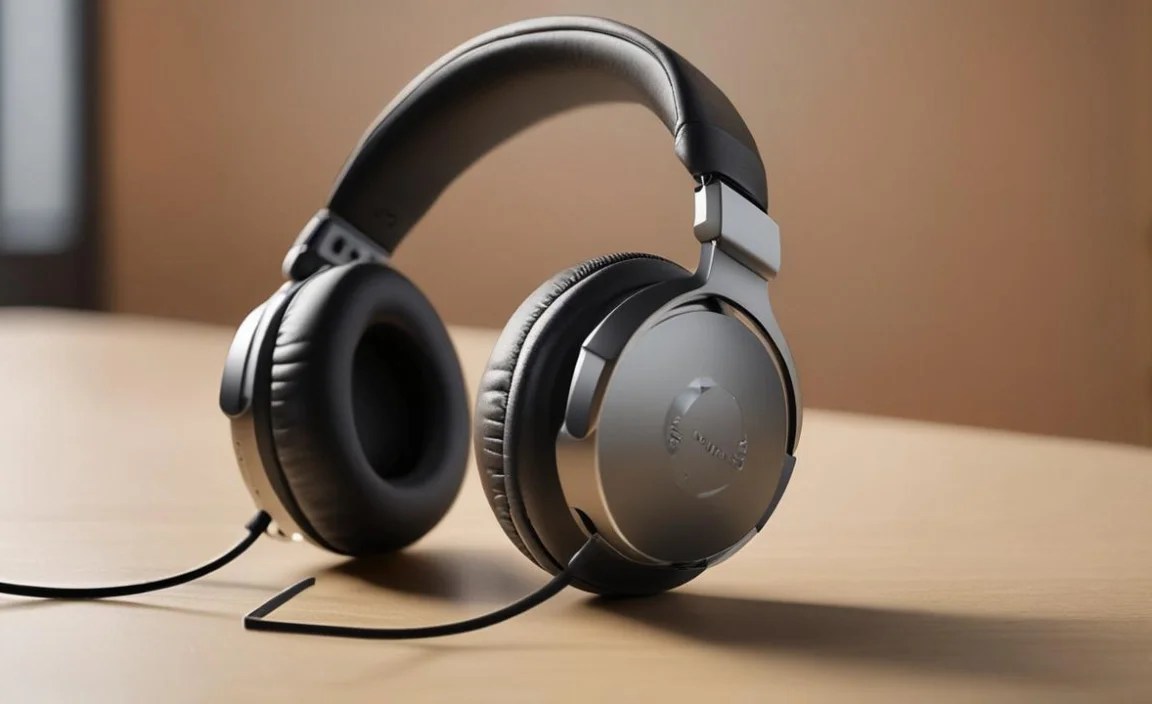
What works for a preschooler might not be ideal for a teenager. Here’s a general breakdown:
Preschoolers and Early Elementary (Ages 3-7)
- Focus: Volume limiting (absolute priority), extreme durability, comfort, and simple design.
- Features: Soft earcups, adjustable headband, robust construction. Over-ear is usually best. Wired models are often preferred for simplicity and safety.
- Considerations: Choking hazards. Avoid small, detachable parts.
Late Elementary and Middle School (Ages 8-13)
At this age, kids are often more responsible and have stronger preferences. They might be using devices for more varied tasks, including homework, online research, and entertainment.
- Focus: Continued emphasis on volume limiting and durability, but also comfort and style.
- Features: Slightly more sophisticated designs might be appreciated. Wireless options become more viable. Good passive noise isolation can be beneficial in busier classrooms or at home.
- Considerations: Ensuring they still understand the importance of safe listening volumes, even if they have more control.
High School Students (Ages 14+)
Teenagers often have specific aesthetic preferences and may be using headphones for a wider range of activities, including personal study, commuting, and social media. They might also require higher audio quality for music or gaming.
- Focus: Sound quality, comfort for extended use, noise cancellation (active or passive), style, and features like Bluetooth 5.0 or higher.
- Features: A wider range of brands and models become available. While volume limiting might still be appreciated, teens are generally more aware of responsible usage.
- Considerations: Durability remains important, but aesthetics might take precedence. Wireless is almost standard.
Recommended Features in a Table Format
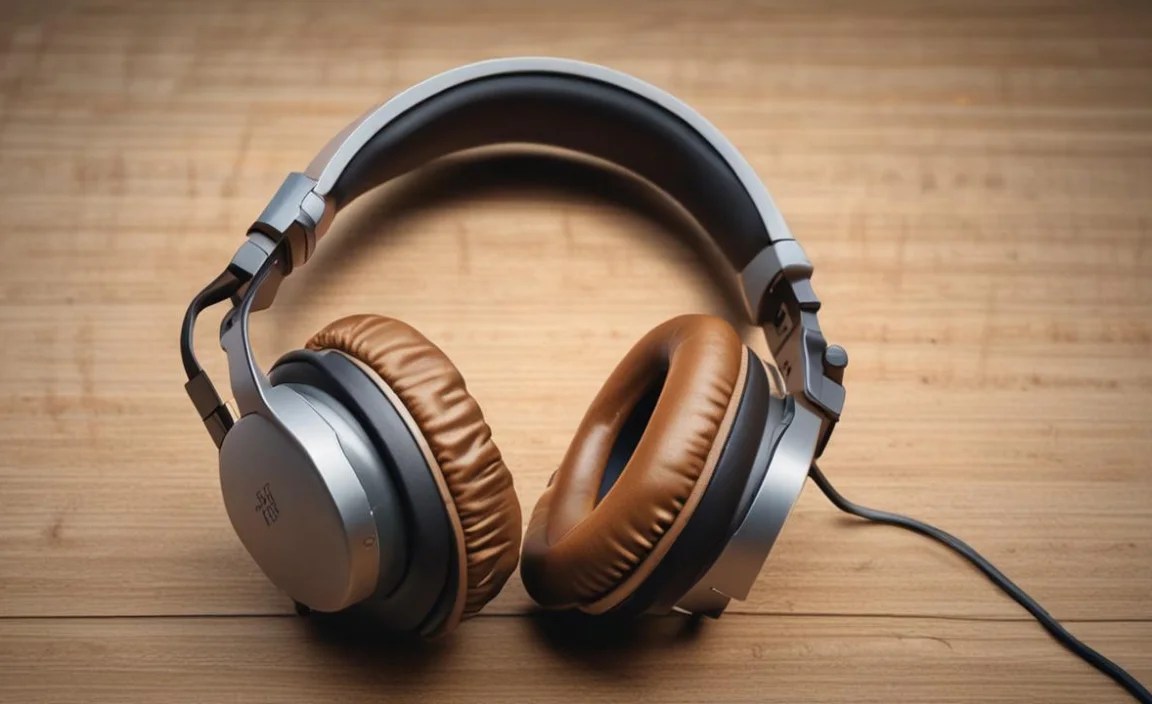
To help you quickly compare, here’s a handy table highlighting key features and their importance:
| Feature | Importance for School Kids | What to Look For |
|---|---|---|
| Volume Limiter (≤ 85 dB) | ⭐⭐⭐⭐⭐ (Essential) | Labeled “kid-safe,” “volume-limiting,” or specifically states dB limit. |
| Durability | ⭐⭐⭐⭐ (Very Important) | Sturdy materials (ABS plastic), reinforced joints, flexible headband, good build quality. |
| Comfort | ⭐⭐⭐⭐ (Very Important) | Soft padded earcups, adjustable headband, lightweight design, over-ear style preferred. |
| Fit | ⭐⭐⭐⭐ (Very Important) | Adjustable headband, secure but not too tight, stays on during movement. |
| Type (Over-ear) | ⭐⭐⭐ (Recommended) | Surrounds the ear for better comfort and noise isolation. |
| Wired vs. Wireless | ⭐⭐⭐ (Depends) | Wired: simpler, cheaper. Wireless: freedom, no tangles (check school policy). |
| Microphone | ⭐⭐ (Optional) | Only needed for online classes/calls. Check review for clarity. |
| Portability/Storage | ⭐⭐ (Nice to Have) | Foldable design, included pouch/case. |
Steps to Choosing the Right Headphones

Here’s a simple process to help you find the perfect pair:
- Determine Your Budget: Headphones for kids can range from $20 to over $100. Decide how much you’re willing to spend. Remember that durability and safety features often come at a slightly higher price point.
- Check School Policy: Before buying wireless headphones, confirm if your child’s school allows them. Some schools have strict rules about Bluetooth devices.
- Prioritize Safety: Make sure “volume limiting” or “kid-safe” is clearly stated on the product packaging or description. This is non-negotiable for younger children.
- Read Reviews: Look for reviews from other parents or educators. Pay attention to comments about durability, comfort, sound quality, and how well the volume limiter works. Websites that focus on child products or tech reviews can be very helpful.
- Consider the Age and Needs: Think about how the headphones will be used. For very young children, simplicity, extreme durability, and maximum safety are key. For older students, style and advanced features might be more important.
- Try Them On (If Possible): If you can, let your child try the headphones on in a store. This is the best way to check for comfort and fit. If buying online, check the return policy.
- Look for Extras: Some headphones come with fun stickers for personalization, carrying pouches, or even built-in microphones for online learning. These can add value but shouldn’t be the primary deciding factors.
Popular Brands and Models to Consider
While specific models change rapidly, here are some reputable brands known for producing good quality headphones for children:
- BuddyPhones: They specialize in kid-friendly headphones with built-in, adjustable volume limits, durable designs, and often feature sharing cables so two kids can listen to the same device.
- JLab: JLab offers a range of affordable, durable, and often brightly colored headphones, many with volume-limiting features designed for kids.
- Kidz Gear: Known for their comfortable, lightweight, and volume-limited headphones, often with detachable audio cables.
- Nabi (from Mattel): Offers a variety of headphones, some with specific features for educational apps and devices.
- Sony: While not exclusively for kids, Sony offers some models like the WH-CH510 that are relatively affordable, lightweight, wireless, and can be used at moderate volumes, though they lack dedicated volume limiting. Always check specifications.
- Audio-Technica: Known for great sound quality, they sometimes offer more robust, simpler models that can work well for older students if volume is monitored.
Note: Always verify the specific features (especially volume limiting) of any model you are considering, as product lines and specifications can change.
Maintaining Your Child’s Headphones
To ensure your child’s headphones last and stay hygienic, a little maintenance goes a long way:
- Regular Cleaning:
- Earcups: Wipe down the earcups with a slightly damp, soft cloth. For tougher grime, use a mild soap solution and then wipe with a clean, damp cloth. Ensure they are completely dry before use.
- Headband: Wipe the headband similarly.
- Speaker Grilles: Use a dry, soft brush (like a toothbrush) to gently remove dust and debris.
- Proper Storage: Encourage your child to store their headphones in a protective case or pouch when not in use. This prevents them from getting tangled, scratched, or damaged in a backpack.
- Cord Care (for wired headphones): Teach your child to wind the cord loosely rather than wrapping it tightly around a device or their hand. Avoid pulling on the cord itself to disconnect them; always grab the plug.
- Battery Management (for wireless headphones): Don’t overcharge. Following the manufacturer’s recommendations for charging will help preserve battery health over time.
- Handle with Care: Regularly remind your child to be gentle with their headphones, avoiding unnecessary force or rough handling.
Troubleshooting Common Headphone Issues
Even the best headphones can encounter minor issues. Here are a few common problems and their solutions:
| Problem | Possible Cause | Solution |
|---|---|---|
| No Sound from One Side | Damaged wire near the plug or earcup. | Gently wiggle the plug and wire. If sound returns or changes, there’s likely a loose connection. For wired headphones, this is often difficult to repair affordably; consider replacement. |
| No Sound at All | Device volume too low or muted. | Check the volume on the device playing audio. Ensure it’s not muted and is turned up sufficiently. |
| No Sound at All (cont.) | Headphone jack not fully inserted. | Ensure the headphone plug is pushed all the way into the device’s audio port. |
| No Sound at All (cont.) | Headphones are unplugged or not paired (wireless). | For wired, ensure connection. For wireless, check if they are charged, powered on, and properly paired with the device via Bluetooth settings. Try re-pairing. |
| Distorted Sound | Volume too high. | Lower the volume on the device. If using kid-safe headphones, this might indicate a fault. |
| Distorted Sound (cont.) | Damaged speaker driver. | This usually requires replacement of the headphones. |
| Wireless Not Connecting | Device Bluetooth is off or already connected to another device. | Ensure Bluetooth is enabled on the device. Turn off Bluetooth on any other nearby devices that the headphones might be trying to connect to. |
| Wireless Not Connecting (cont.) | Headphones not in pairing mode or out of battery. | Charge the headphones. Consult the manual for how to enter pairing mode (often involves holding a power button). |
Frequently Asked Questions (FAQ)
Q1: What is the most important feature for headphones for school kids?
The most crucial feature is volume limiting technology that caps the sound output at a safe level, typically 85 decibels. This protects children’s developing hearing from potential
