
Quick Summary: Traveling by air just got easier! A wireless headphone adapter for airplane use lets you connect your favorite Bluetooth headphones to the in-flight entertainment system. This guide simplifies choosing and using one, ensuring you enjoy your journey with clear, personal audio without messy wires.
Your Essential Guide to Wireless Headphone Adapters for Airplanes
Tired of tangled headphone cords on flights or struggling with airline-provided earbuds? You’re not alone! For many of us, air travel means a chance to relax, catch up on movies, or listen to podcasts. But those often-clunky, wired airline headphones can really cramp your style and comfort. Luckily, there’s a simple solution: a wireless headphone adapter for airplane use. This handy gadget bridges the gap between your trusty Bluetooth headphones and the plane’s audio jack, transforming your flight experience. Let’s dive into how you can make every journey more enjoyable!
Why You Need a Wireless Headphone Adapter for Your Next Flight

Airplanes aren’t exactly known for their cutting-edge audio setups. Typically, you’re offered either a pair of basic, often uncomfortable earbuds or a very short, stiff cord that limits your movement. These wired options can be a nuisance, tangling with your seatbelt, getting in the way when you want to stretch, or simply not fitting your ears well.
A wireless headphone adapter solves these problems by letting you use the Bluetooth headphones you already love. Imagine sinking into your seat, putting on your noise-canceling over-ear cans, and seamlessly connecting to the movie sound or your calming playlist. No more fiddling with wires, no more discomfort, just pure audio bliss. It’s a small investment for a significantly more pleasant travel experience, especially on longer flights.
Understanding How These Adapters Work
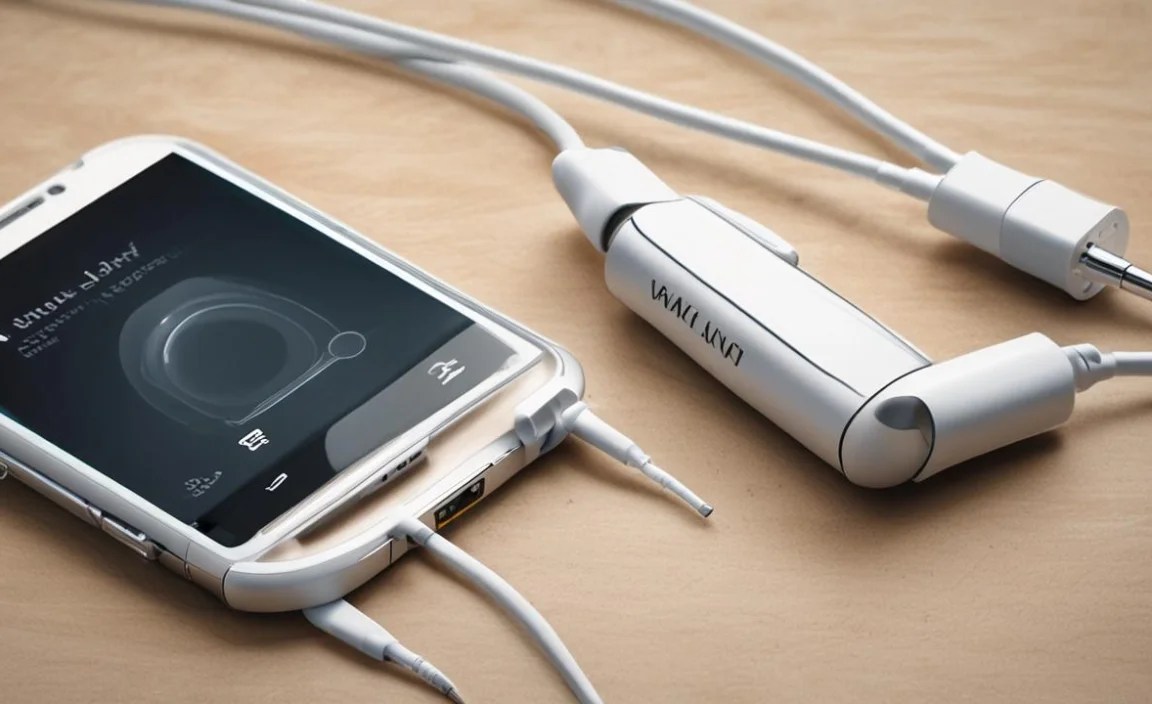
At its core, a wireless headphone adapter for airplane travel is a small device designed to receive audio signals and transmit them wirelessly via Bluetooth. Here’s a simplified breakdown:
- The Connection: The adapter plugs into the standard dual-prong (or sometimes single-prong) headphone jack found in the airplane’s seatback entertainment system.
- Receiving Audio: It then picks up the audio signal from the plane’s system.
- Bluetooth Transmission: The adapter converts this signal and broadcasts it via Bluetooth.
- Your Headphones: Your own Bluetooth headphones (or earbuds) are already paired to the adapter, receiving the audio signal wirelessly.
Think of it as a tiny, portable Bluetooth transmitter specifically designed for airline audio ports. Most adapters also have a built-in battery, so they don’t drain power from your headphones or require finding an outlet during the flight.
Choosing the Right Wireless Headphone Adapter: Key Features to Look For

Not all adapters are created equal. To ensure you get the best performance and a stress-free experience, consider these essential features:
1. Bluetooth Version and Codecs
- Bluetooth Version: Look for adapters with at least Bluetooth 4.2, but 5.0 or newer is preferable. Newer versions offer better stability, longer range, and lower power consumption.
- Audio Codecs: This is crucial for sound quality.
- SBC: The most basic codec, found on almost all Bluetooth devices. It’s reliable but offers the lowest quality.
- AAC: Commonly used by Apple devices, offers better quality than SBC.
- aptX, aptX HD, aptX Low Latency: These are Qualcomm’s advanced codecs. aptX Low Latency is particularly important for reducing the delay between the visual on-screen and the audio you hear, making it ideal for movies and games. If your headphones also support one of these, you’ll get a much more synchronized and enjoyable experience.
Pro Tip: To get the best quality and lowest latency, both the adapter and your headphones should ideally support the same advanced codec (like aptX Low Latency).
2. Battery Life
You don’t want your adapter dying halfway through a transatlantic flight. Aim for an adapter with at least 10-15 hours of battery life. Many offer more, and it’s always good to have extra juice. Some adapters can be charged while in use, but this isn’t always convenient on a plane.
3. Connectivity Options
- Audio Jacks: Most adapters are designed for the common dual-prong 3.5mm audio jack. Some may also support single-prong jacks or even RCA inputs. Check the adapter’s compatibility with standard airplane jacks.
- Transmitter/Receiver Mode: Some advanced adapters can also function as receivers, allowing you to make non-Bluetooth headphones wireless at home. While not essential for airplane use, this adds versatility.
4. Durability and Portability
Since you’ll be traveling with it, choose an adapter that feels sturdy and is compact enough to fit easily in your carry-on. Look for well-regarded brands known for build quality.
5. Ease of Pairing
The pairing process should be straightforward. Most adapters have a simple button you hold down to enter pairing mode, which your headphones can then easily find and connect to.
Step-by-Step Guide: Using Your Wireless Headphone Adapter on a Plane
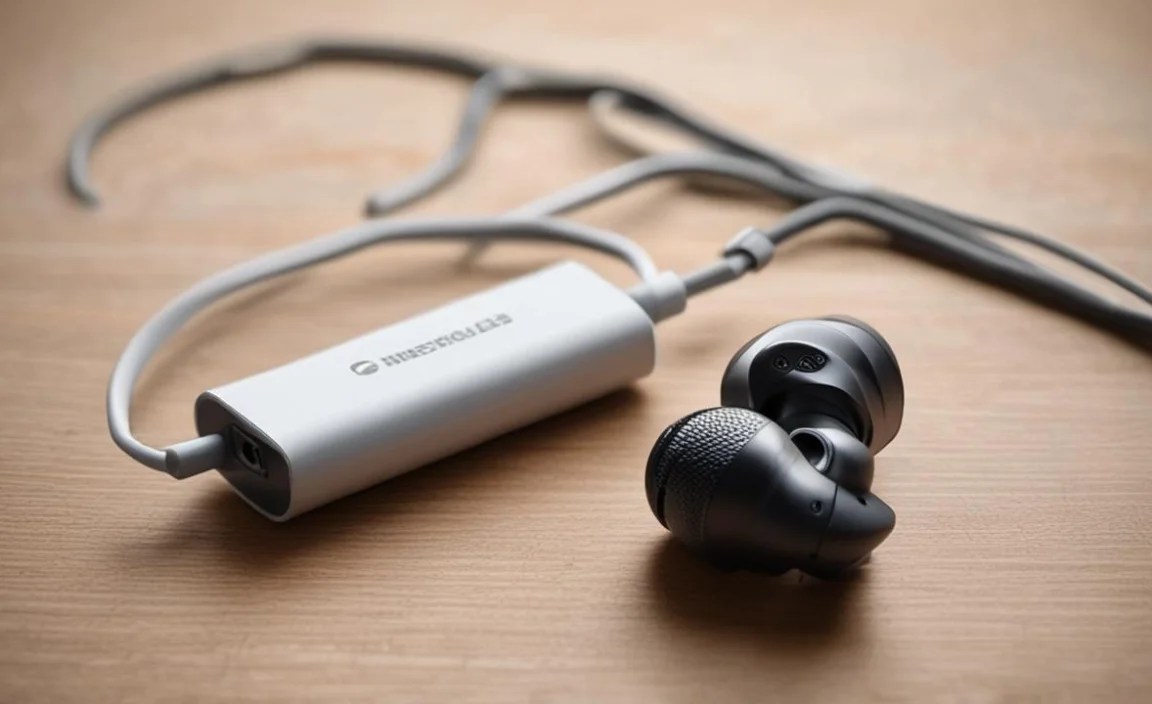
Getting your adapter set up is usually quick and easy. Follow these steps:
Step 1: Fully Charge Your Adapter and Headphones
Before you even pack your bag, ensure both your wireless headphone adapter and your Bluetooth headphones are fully charged. This prevents any last-minute scrambling at the airport or on the plane.
Step 2: Familiarize Yourself with Pairing
It’s wise to pair your headphones with the adapter before you get to the airport. This way, you know it works and can do it in a stress-free environment.
- Turn on your wireless headphone adapter and put it into pairing mode. (Check the adapter’s manual for specific instructions – usually involves holding a button.)
- Turn on your Bluetooth headphones and put them into pairing mode. (Again, refer to your headphone’s manual.)
- Keep the adapter and headphones close to each other.
- They should automatically detect and connect. You’ll often hear a voice prompt or see an indicator light confirming the connection.
Once paired, they should reconnect automatically whenever both are on and in range. If they don’t, you might need to re-initiate the pairing process.
Step 3: Locate the Audio Jack on the Plane
Settle into your seat and find the headphone port. Most often, it’s a standard 3.5mm jack, sometimes accompanied by a second, smaller jack if the entertainment system provides stereo sound through two separate ports. Some older planes or specific airlines might have a different configuration. If you’re unsure, check your adapter’s compatibility or ask a flight attendant.
Step 4: Connect the Adapter
Plug your wireless headphone adapter firmly into the airplane’s headphone jack(s). If it’s a dual-prong jack, you’ll need an adapter that supports this (most do). Some may click into one slot, while others are designed to fit both.
Step 5: Turn On Your Headphones
Switch on your paired Bluetooth headphones. They should automatically connect to the adapter. You might hear a confirmation sound through your headphones.
Step 6: Adjust Volume and Enjoy
Once connected, you can select a movie, music, or podcast from the in-flight entertainment system. Use the volume controls on your headphones to adjust the sound to your preferred level. Remember that the initial volume from the plane’s system might be very low, so you might need to increase it on the adapter (if it has its own volume control) or on your headphones.
Important Note on Airplane Regulations: While most airlines permit personal Bluetooth devices, it’s always a good idea to check their specific policies. Generally, once the plane has reached cruising altitude, you’re free to use them. However, always follow crew instructions regarding electronic device usage.
Troubleshooting Common Issues
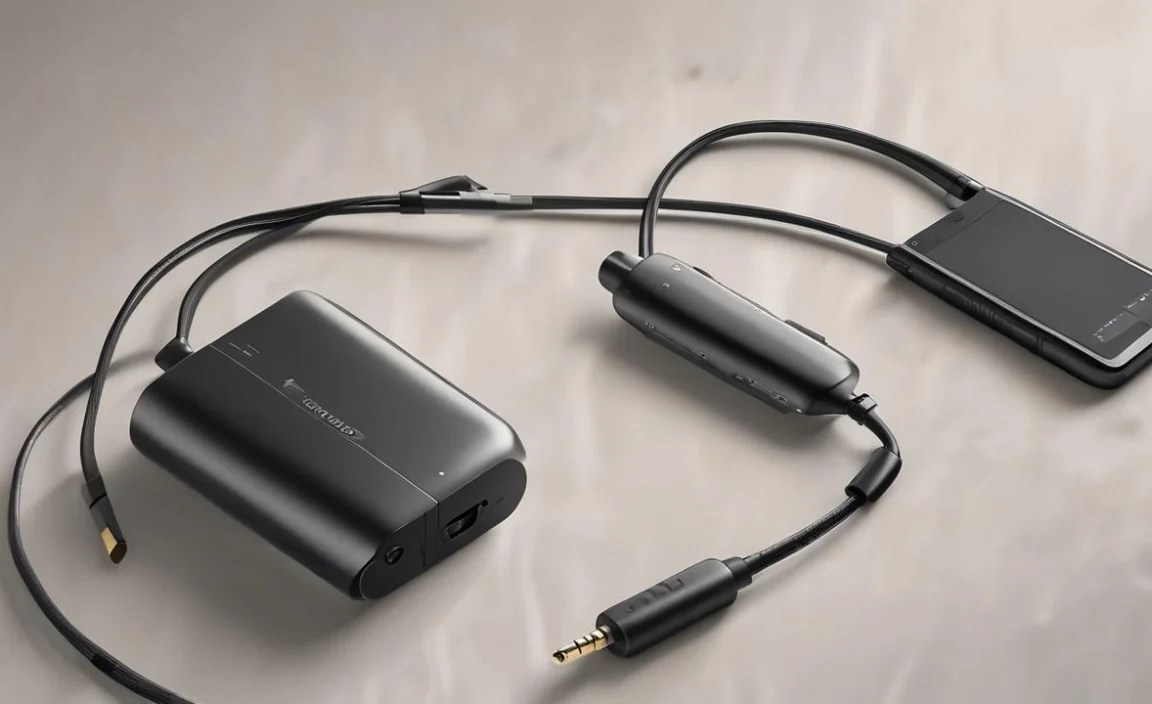
Even with the best gadgets, things can occasionally go awry. Here are a few common issues and how to fix them:
Issue: No Sound
- Check Charge Levels: Ensure both the adapter and your headphones are charged.
- Confirm Connection: Double-check that your headphones are successfully paired and connected to the adapter. Look for indicator lights.
- Verify Adapter Connection: Make sure the adapter is securely plugged into the airplane’s audio jack. Try unplugging and replugging it.
- In-Flight System Volume: The volume on the airplane’s entertainment system might be set too low. Try turning it up on the seatback controls or your adapter/headphones.
- Airplane Jack Issues: While rare, the airplane’s audio jack itself might be faulty. If possible, try another seat or see if a flight attendant can advise.
Issue: Audio Lag (Lip-sync issues)
This is often due to Bluetooth codecs. If your adapter supports aptX Low Latency, ensure your headphones also support it and that it’s enabled. If not, the default SBC codec can sometimes cause noticeable delay. Unfortunately, if both devices only support SBC or AAC, some delay might be unavoidable.
Issue: Intermittent Audio or Dropouts
- Distance and Obstructions: Bluetooth has a limited range. Keep your headphones relatively close to the adapter and avoid having large obstructions (like the seat in front of you) between them.
- Interference: Other wireless signals can sometimes interfere. Try turning off other nearby Bluetooth devices.
- Low Battery: Devices with low battery can sometimes have unstable connections.
Issue: Difficulty Pairing
- Reset Devices: Try turning both the adapter and headphones off and then on again.
- Clear Pairing Lists: Some devices allow you to clear their previous pairings. Try this on both your adapter and headphones and then attempt to re-pair from scratch.
- Refer to Manuals: Consult the user manuals for both your adapter and headphones for specific troubleshooting steps.
Popular Wireless Headphone Adapters for Airplanes
While products change, a few reliable brands and models commonly come up when discussing airplane adapters. Always check recent reviews for the latest models.
1. COMSOON Bluetooth 5.0 Transmitter Receiver
This is a very popular choice because it often supports multiple audio codecs (SBC, AAC, aptX Low Latency) and can function as both a transmitter and receiver. Its long battery life and compact design make it a traveler’s favorite.
2. Mpow Bluetooth Receiver Transmitter
Mpow (though sometimes rebranded or unavailable, but similar models exist) has historically offered good value. Look for models emphasizing Bluetooth 5.0 and aptX Low Latency compatibility for the best airplane experience.
3. TaoTronics Bluetooth Transmitter/Receiver
TaoTronics is another brand often praised for its reliable Bluetooth audio devices. Their models typically offer robust connectivity and good battery life, often supporting aptX codecs. Keep an eye out for models specifically marketed for low latency.
4. Avantree Bluetooth Transmitter
Avantree specializes in Bluetooth audio and often has adapters with excellent codec support, including aptX HD and aptX Low Latency. Their Leaf or Orbit models are frequently recommended for travel due to their small size and reliable performance.
Table: Comparing Key Adapter Features
| Feature | Essential for Travel | Highly Recommended | Nice-to-Have |
|---|---|---|---|
| Bluetooth Version | 4.2 or higher | 5.0+ | N/A |
| Audio Codecs | SBC | AAC, aptX, aptX Low Latency | aptX HD |
| Battery Life | 8+ hours | 15+ hours | USB-C charging |
| Audio Jacks Supported | 3.5mm dual-prong | Various airplane configurations | RCA, Optical |
| Functionality | Transmitter (for airplane) | Transmitter & Receiver | Multipoint pairing |
When selecting, always read the product description carefully to confirm the specific Bluetooth version and supported audio codecs. This information is usually listed in the technical specifications. For instance, you can find information from the official Bluetooth specifications about how different versions enhance features.
Beyond the Airplane: Other Uses for Your Adapter
The versatility of a good wireless headphone adapter extends far beyond your flight. Once you experience the freedom of wireless audio on a plane, you might find yourself using it elsewhere:
- Connecting to Older TVs: Many home televisions, especially older models, don’t have Bluetooth built-in. A transmitter adapter lets you connect your wireless headphones to the TV for private listening without disturbing others.
- Gym Equipment: Some treadmills and ellipticals have audio jacks for their built-in screens. Use your adapter to listen to workout music or trainers without a tether.
- Computers and Laptops: If your computer has a weak or faulty Bluetooth connection, or lacks it entirely, an adapter can be a reliable alternative.
- Home Stereo Systems: Some adapters can also function as receivers, allowing you to stream music from your phone to a non-Bluetooth sound system or speaker.
This dual functionality, especially the transmitter/receiver capability, makes adapters like the Bluetooth Core Specification enables, a great value addition for any audio enthusiast.
Frequently Asked Questions (FAQ)
Q1: Do I need a special adapter for airplanes?
You need a Bluetooth transmitter adapter specifically designed to plug into typical airplane headphone jacks. Regular Bluetooth receivers or simple headphone splitters won’t work for this purpose.
Q2: Can I use any wireless headphones on a plane with an adapter?
Yes, as long as your wireless headphones use Bluetooth technology, they should be compatible with a Bluetooth transmitter adapter. The key is ensuring the adapter can connect to the plane’s audio port.
Q3: Is it safe to use a wireless headphone adapter on an airplane?
Yes, it is generally safe. While federal regulations used to restrict many electronic devices, the FAA now allows the use of portable electronic devices like wireless headphones and adapters during all phases of flight, provided they have been tested and approved by the airline. Always follow flight crew instructions.
Q4: What is aptX Low Latency and why is it important for flights?
aptX Low Latency is an advanced Bluetooth audio technology that significantly reduces the delay between the audio source and your headphones. This is crucial for watching movies or playing games on the plane, as it ensures the audio stays in sync with the video, preventing that annoying lip-sync issue.
Q5: How long does the battery on an airplane headphone adapter usually last?
Most adapters offer between 8 to 20 hours of battery life on a single charge. It’s always best to check the product specifications, but aiming for one with at least 10-15 hours will cover most flights, even long-haul ones.
Q6: What if the airplane has only one headphone jack instead of two?
Most modern adapters are designed to work with either a dual-prong or a single-prong 3.5mm jack. If the airplane has a single jack, simply plug your adapter into it. The adapter will still transmit the audio wirelessly to your headphones.
Q7: Can I charge my adapter while using it on the plane?
Some adapters support charging while in use, which is convenient for very long flights. However, it might be tricky to find an available power outlet at your seat, and using the adapter might block access to the outlet. It’s often best to ensure it’s fully charged before your flight.
A Smoother Journey with Better Sound
Investing in a quality wireless headphone adapter for airplane travel is a game-changer for anyone who flies regularly. It removes a common travel annoyance—wired headphones—and replaces it with the comfort and convenience of your own Bluetooth audio gear. By understanding what to look for, such as Bluetooth version, codec support, and battery life, you can easily find a reliable adapter that fits your needs.
Don’t let tangled cords or uncomfortable earbuds detract from your next trip. With a simple adapter, you can transform your airplane seat into a personal audio sanctuary, enjoying movies, music, or podcasts with unparalleled clarity and comfort. So, next time you book a flight, remember to pack this essential travel companion. Happy listening, and safe travels!
