
Have you ever found yourself struggling with a pair of headphones that just won’t work? It can be frustrating, especially when you really want to enjoy your favorite music or a fun podcast. Many people face this common problem, but did you know that fixing your headphones can be simpler than you think?
Imagine putting on your headphones, ready to dive into a world of sound, only to hear silence. It feels like your device has betrayed you. But don’t worry! A headphone not working can often be repaired with just a few easy steps.
In this article, we will explore simple ways to fix your headphones. You’ll learn quick tricks that can save you time and money. Who knew that in just a few minutes, you could bring your headphones back to life? Let’s find out how!
Headphone Not Working? Easy Repair Steps

Have you ever faced the frustration of headphones that suddenly stop working? Don’t worry! Many common issues can be fixed easily. First, check the cable for damage or loose connections. Sometimes, simply cleaning the headphone jack can solve the problem. Did you know that moisture can also cause malfunctions? Allow them to dry out before trying again. With these simple tips, you can enjoy your favorite tunes without hassle!
Common Causes of Headphone Malfunctions

Faulty wiring and connections. Software issues and device compatibility.
Many things can cause headphones to stop working. Faulty wiring is a common issue. Wires can break or become loose, making it hard for sound to flow. This can happen if we pull the cord too hard or twist it. Another problem is software issues. Sometimes, devices don’t connect right. This can happen if headphones aren’t compatible with a phone or tablet. Even updates can cause trouble. Always check connections and settings!
What are common software issues with headphones?
Headphones may not work due to outdated software. Make sure to update your device regularly. Check your headphone connection too. Bluetooth pairings can also cause issues if devices are not synced properly.
Signs of software issues:
- No sound when connected.
- Headphones disconnect often.
- Noise or static sounds.
Quick Troubleshooting Steps
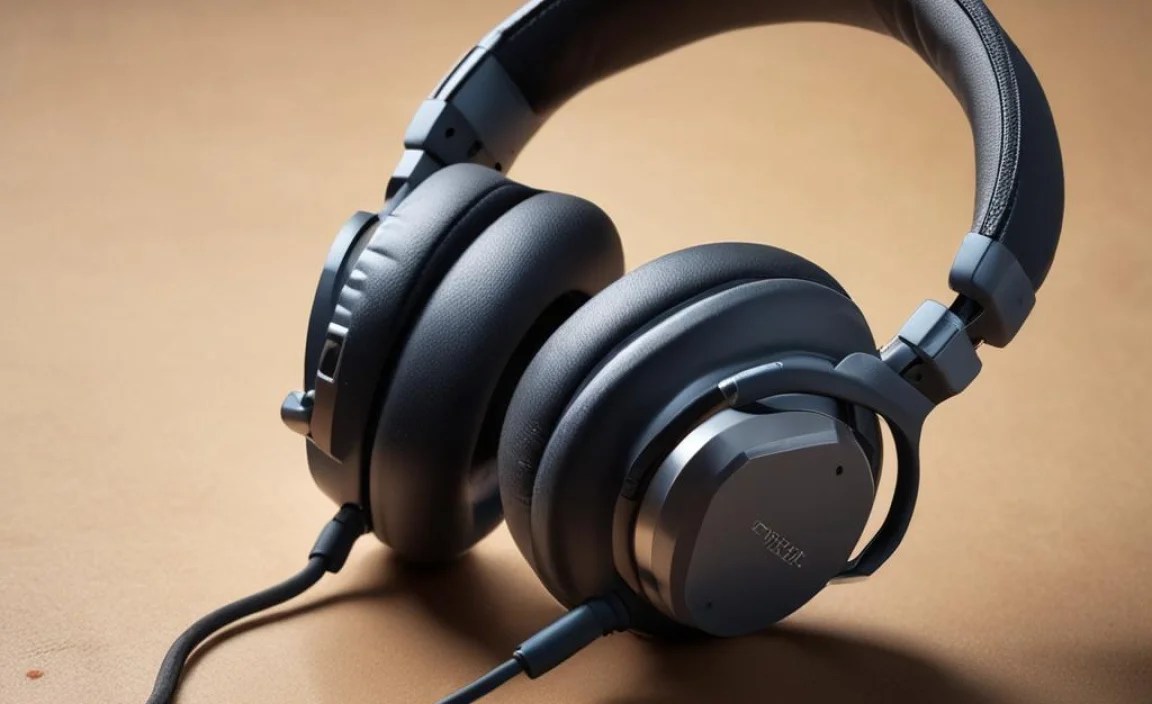
Basic checks: trying different devices and ports. Iconic resets: remember to restart your devices.
Start by checking the basics. Try your headphones with different devices or plug them into another port. This can help you find out if the problem is with the headphones or the device. Don’t forget the power of a simple restart! Restart both your headphones and the device they connect to. This often clears up many issues.
What should I do first?
Check if your headphones work with different devices. This helps find the problem source.
Quick Tips:
- Try plugging your headphones into another phone or computer.
- Check the headphone jack for dirt or damage.
- Restart your devices to reset connections.
Inspecting the Headphones

Checking for physical damage or wear. Testing with different audio sources.
Begin by looking over your headphones for any signs of damage. Check the wires for frays or breaks. These tiny issues can cause sound problems. Next, try using your headphones with different devices. Sometimes the problem isn’t with the headphones but the audio source. Play music from a phone, tablet, or computer. If it works with one device but not another, the issue is likely elsewhere.
How can I test if my headphones are broken?
Test your headphones with multiple devices. This helps to see if the problem is with your headphones or the device you’re using.
- Inspect for visible damage.
- Check if the audio jack is clean.
- Switch audio sources to test for sound.
Software Solutions and Settings Adjustment
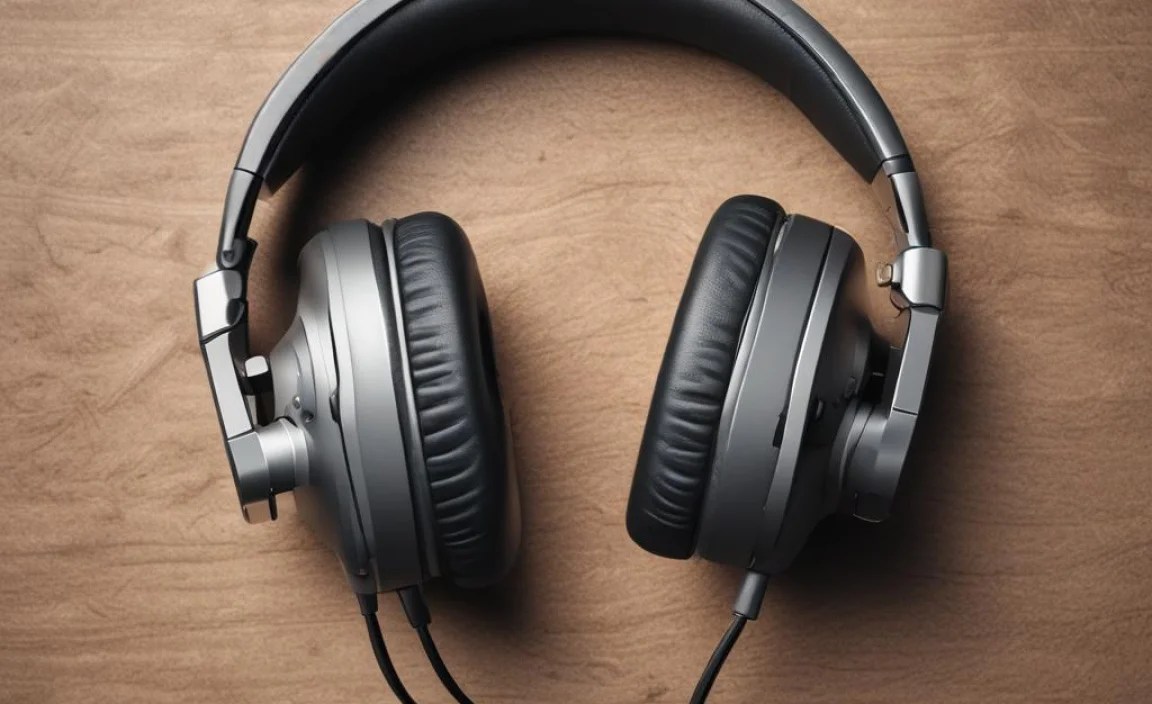
on your device. Managing audio settings in your operating system.
Sometimes, your headphones act like a moody cat. They just don’t want to work! First, check if your audio drivers need an update. Think of them as the headphones’ personal trainers. Outdated drivers can make them lazy. Update them through your device settings!
Next, dive into your audio settings. You might find your headphones muted, or the volume too low! It’s like trying to cheer with a whisper. Adjust those settings to give your headphones the boost they need. Here’s a quick table to help:
| Action | How to Do It |
|---|---|
| Update Drivers | Go to Device Manager > Sound, video, and game controllers. |
| Check Volume | Right-click the speaker icon, select volume mixer. |
With these simple steps, your headphones can go from grumpy to groovy in no time!
DIY Repair Techniques
Basic soldering for broken connections. Cleaning headphone jacks and ports.
Fixing broken headphones can be easy! Start by checking for broken wires. If you find broken connections, use a soldering iron to reconnect the wires. Make sure to be careful and follow safety steps. Also, clean your headphone jack and ports regularly. Dust and dirt can cause poor sound quality. Use a soft cloth or a clean toothbrush to gently clean them. These small actions can help your headphones last longer!
How can I fix common headphone problems?
To fix common headphone problems, check for broken wires, clean jacks, and ensure a good connection. Start with easy fixes before considering replacement.
When to Seek Professional Help
Identifying irreparable damage. Understanding warranty and service options.
Sometimes, headphones go beyond a small fix. If you hear a weird crunching sound or see smoke (yes, smoke!), your headphones may need professional help. Look for irreparable damage like broken wires or shattered parts. It’s better to let a pro handle those! Also, check your warranty! Many companies offer free repairs or replacements. You might get lucky and save some cash!
| Issue | Fix Yourself | Seek Help |
|---|---|---|
| Loose Jack | Try replugging it | Replace with a new one |
| Sound in One Ear | Check settings | Look for internal damage |
| No Power | Charge it up | Battery issue |
Preventive Measures to Avoid Future Issues
Proper storage and handling tips. Regular maintenance and cleaning practices.
Taking care of your headphones can save you from future headaches—or earaches! First, always store them safely. Avoid tossing them in a bag where they can get squished. Instead, use a case or hang them up like artwork. Regular cleanings help too! Wipe the ear pads with a soft cloth to keep dirt away. Think of it as giving them a spa day! Here’s a quick table for easy upkeep:
| Tip | Action |
|---|---|
| Storage | Use a case or hang them up |
| Cleaning | Wipe with a soft cloth |
| Check Wires | Avoid pulling or tangling |
Remember, a little care goes a long way! Your headphones will thank you, and your ears will be happy too!
Conclusion
In conclusion, if your headphone isn’t working, don’t worry! Check the connections, clean the jack, and try a different device. You can also replace the cable if needed. These easy fixes often solve the problem. For more tips on repairing headphones, check online tutorials or guides. Let’s keep those tunes playing!
FAQs
What Are The Common Reasons Why Headphones Stop Working, And How Can I Identify The Issue?
Headphones can stop working for a few reasons. The cable might be damaged or broken. You can check this by looking for cuts or bends. Sometimes, the plug doesn’t fit well in the device. Try plugging it in again or using it with another device. Lastly, the battery might be dead if your headphones are wireless. Charge them and see if they work again.
How Can I Troubleshoot Audio Issues On Wired Headphones Before Considering A Repair?
To fix audio problems with your wired headphones, start by checking the connection. Make sure the plug is securely inserted into the device. Next, try using the headphones with a different device to see if the problem continues. If you hear sound on another device, the first device may be the issue. Lastly, look for any visible damage on the wire or plug. If everything looks okay, you might need to get new headphones.
What Simple Fixes Can I Try If My Wireless Headphones Are Not Connecting To My Device?
If your wireless headphones aren’t connecting, try these simple fixes. First, make sure your headphones are charged. Then, turn Bluetooth on your device off and on again. Next, check if your headphones are in pairing mode. Finally, restart your device. These steps often help!
Are There Any Easy Diy Repairs I Can Perform On Broken Headphone Wires Or Connectors?
Yes, you can fix broken headphone wires or connectors easily. First, check for any visible cuts or breaks in the wire. You can use electrical tape to cover small breaks. If the connector is broken, you might try using a new connector and solder it in place, but ask a parent for help. Always be careful and make sure the headphones are unplugged!
How Can I Clean My Headphone Jacks And Connectors To Improve Audio Performance?
To clean your headphone jacks and connectors, first, turn off your device. Use a cotton swab or a soft cloth to gently wipe the inside of the jack. You can also use a little rubbing alcohol on the swab for better cleaning. Make sure everything is dry before plugging in your headphones. This will help improve the sound you hear!
