
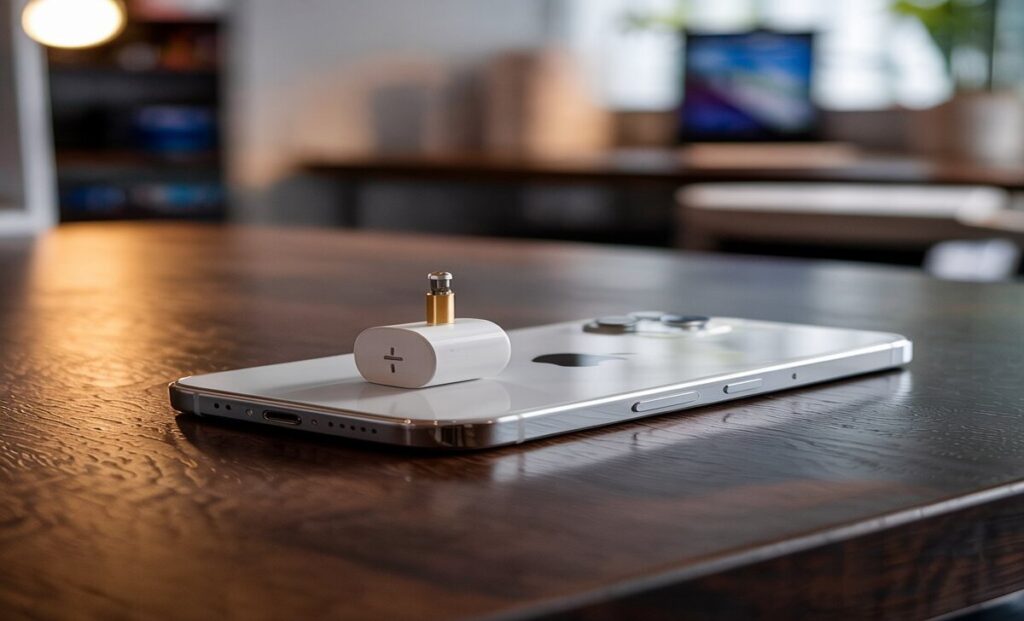
While using wired headphones with your iPhone, you will require a jack adapter as it doesn’t have any headphone jack. For this reason, you bought or take a jack adapter from your friend for using the wired headphone.
But after connecting the adapter, you find out that you are not getting any sound. Well, in that case, there is an issue with your headphone jack adapter. Basically, it happens due to a loose connection or a phone’s software glitch.
This issue can be solved very easily unless there is any physical damage to the headphone jack adapter. In this article, we have shared the guideline that will help you to fix your hack adapter. So, let’s begin!
Reasons Behind iPhone Headphone Jack Adapter Not Working

The headphone jack adapter is an essential thing for using wired headphones with the iPhone. But sometimes this adapter can stop working. There are several reasons that can cause this particular issue.
- The adapter is physically damaged.
- Dust and debris accumulated inside the charging port and the adapter ports.
- Adapter’s pin is aligned incorrectly.
- Loose connection.
- The phone is connected to another speaker.
- Software glitch.
These are the possible reasons that can be blamed for the jack adapter not working issue.
How To Fix Iphone Headphone Jack Adapter And Make It Workable
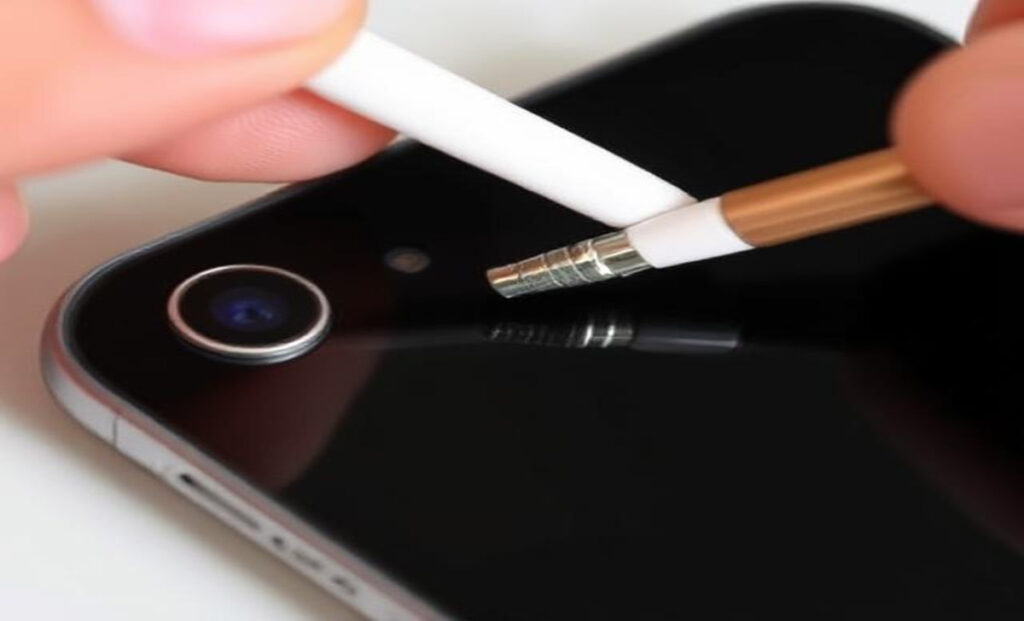
If the headphone jack adapter isn’t physically damaged then these fixes can solve the issue. Before going for the fixes, first, remove the adapter and connect it again. Make sure the headphone and the adapter are connected properly. If still the issue persists then go for the fixes below.
1. Restart Your iPhone

Sometimes due to software glitches, the headphone didn’t work properly. You can fix this by simply restart your iPhone. So, restart it and connect the adapter and headphones. If the problem is occurring due to the glitch then after restarting it will be solved.
2. Check With The AirPlay Output
If your iPhone is already connected to an AirPlay-compatible speaker then after connecting the headphone via the headphone adapter jack, you won’t get any sound. For that reason, check with the AirPlay output. To fix this,
- Go to Control Center.
- Now, look for AIrPlay, you can find it on the top right of Control Center.
- Next, tap on the available option there like headphones or iPhone.
By doing so, your iPhone will be disconnected from the speaker and then you can get the sound through your headphone.
3. Clean The Charging And Adapter Ports

With time, dust and debris can be accumulated inside the charging and adapter ports. Due to this dust and debris, the headphone jack adapter won’t be connected properly. So, take a toothpick and gently clean the ports.
4. Forget All Headphone Jack Adapters

Previously, if you have already used headphone jack adapters then you will need to forget all of them. The systems may have still recognized those previous adapters and when you are connecting a new adapter, the phone system prevents the adapter to established the connection.
For this,
- Navigate to Settings.
- Now, look for Sound and Haptics and tap on it.
- From there, tap on Headphone Safety.
- Then, tap on Lightning Adapters.
- Now, there you will get Forget all adapters option, tap on it.
Now connect the headphone jack adapter and check whether it’s working or not. If the aforementioned fixes couldn’t help you out then surely the adapter is damaged.
If the headphone jack adapter’s pins are aligned incorrectly then the audio signal won’t be transmitted through the adapter to the headphone. Also, due to frequent bending, the internal wire can be damaged and as a result, it won’t function properly.
Conclusion
Lastly, follow the aforementioned fixes and fix the headphone jack adapter. Also, when you are cleaning the ports, make sure you are doing it gently or otherwise, you may end up damaging the ports. If the fixes don’t work then go to Amazon and buy a new one today.
Frequently Asked Questions And Answers (FAQs)
1.Will My Headphone Jack Adapter Work When Iphone Is Connected To Airpod?
No, it won’t work. The sound won’t be transmitted through the headphone jack adapter to the headphone.
2.Can I Repair The Headphone Jack Adapter?
You can but after repairing it will be damaged again. So, it’s better to replace the damaged headphone jack adapter with a new one. It will save you money and time as well.
